【笔记】Go语言基于TOTP实现2FA认证

前言

Go语言基于TOTP实现2FA认证(双因素认证、双因子认证)

源代码

  • 通过CheckCode()函数获取当前时间节点基于secret产生的密码,secretKeyBase32必须是Base32编码后的字符串

secretKeyBase32:Base32编码的字符串,用于作为计算密码的secret

1
2
3
4
5
6
7
8
9
10
11
12
13
14
15
16
17
18
19
20
21
22
23
24
25
26
27
28
29
30
31
32
33
34
35
36
37
38
39
40
41
42
43
44
45
46
47
48
49
50
51
52
53
54
55
56
57
58
59
60
61
62
63
64
65
66
67
68
69
70
71
package main

import (
"crypto/hmac"
"crypto/sha1"
"encoding/base32"
"fmt"
"strings"
"time"
)

// toBytes int64转byte切片
func int64ToBytes(value int64) []byte {
var result []byte
mask := int64(0xFF)
shifts := [8]uint16{56, 48, 40, 32, 24, 16, 8, 0}
for _, shift := range shifts {
result = append(result, byte((value>>shift)&mask))
}
return result
}

// bytesToUint32 byte切片转uint32
func bytesToUint32(bytes []byte) uint32 {
return (uint32(bytes[0]) << 24) + (uint32(bytes[1]) << 16) +
(uint32(bytes[2]) << 8) + uint32(bytes[3])
}

// oneTimePassword 一次密码
func oneTimePassword(key []byte, value []byte) uint32 {
hmacSha1 := hmac.New(sha1.New, key)
hmacSha1.Write(value)
hash := hmacSha1.Sum(nil)
offset := hash[len(hash)-1] & 0x0F
hashParts := hash[offset : offset+4]
hashParts[0] = hashParts[0] & 0x7F
number := bytesToUint32(hashParts)
pwd := number % 1000000
return pwd
}

// GetCode 获取验证码
func GetCode(secretKeyBase32 string, epochSeconds int64) (code int32) {
secretKeyUpper := strings.ToUpper(secretKeyBase32)
key, err := base32.StdEncoding.DecodeString(secretKeyUpper)
if err != nil {
fmt.Println(err)
return
}
code = int32(oneTimePassword(key, int64ToBytes(epochSeconds/30)))
return code
}

// CheckCode 校验验证码
func CheckCode(secretKeyBase32 string, code int32) bool {
// 获取当前时间
epochSeconds := time.Now().Unix()
// 当前时间校验
if GetCode(secretKeyBase32, epochSeconds) == code {
return true
}
// 前30秒校验
if GetCode(secretKeyBase32, epochSeconds-30) == code {
return true
}
// 后30秒校验
if GetCode(secretKeyBase32, epochSeconds+30) == code {
return true
}
return false
}

生成绑定二维码

  • 客户端可以使用Google AuthenticatorMicrosoft Authenticator等任何使用TOTP算法计算密码并30s刷新的6位数字令牌客户端
  • 使用客户端扫描URL生成的二维码即可一键绑定

1:通常填写APP名称,在Microsoft Authenticator中该字段被称作账户
2:通常填写用户名,非必填
3:通常填写组织名,非必填
<screst>:密钥,必须是经过Base32编码后的字符串,需要与服务端保持一致

1
otpauth://totp/1:2?secret=<screst>&issuer=3
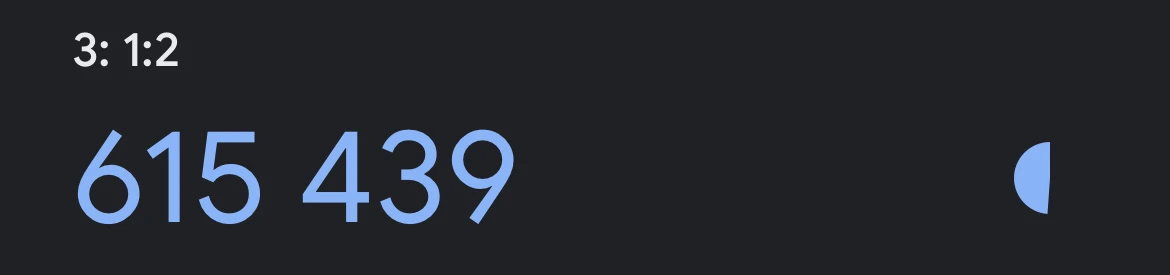
  • Google Authenticator中的样式

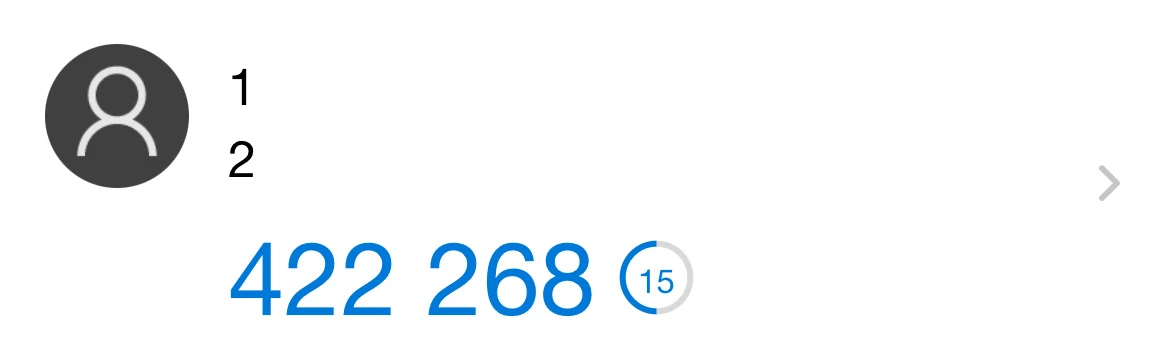
  • Microsoft Authenticator中的样式

踩坑

  • 部分二维码在Microsoft Authenticator中有效但是在Google Authenticator中无效

原因

  • 二维码的secret值末尾包含了多个=占位符

解决问题

  • 去除二维码的secret值末尾的所有=占位符,即可实现在Microsoft Authenticator中和在Google Authenticator中都有效

生成手动输入的密钥

  • Google AuthenticatorMicrosoft Authenticator等客户端填入Secret的值
  • 腾讯验证器客户端填入完整的URI

完成

参考文献

稀土掘金——zachke
简书——岑吾