【笔记】通过Docker部署Scrypted
前言
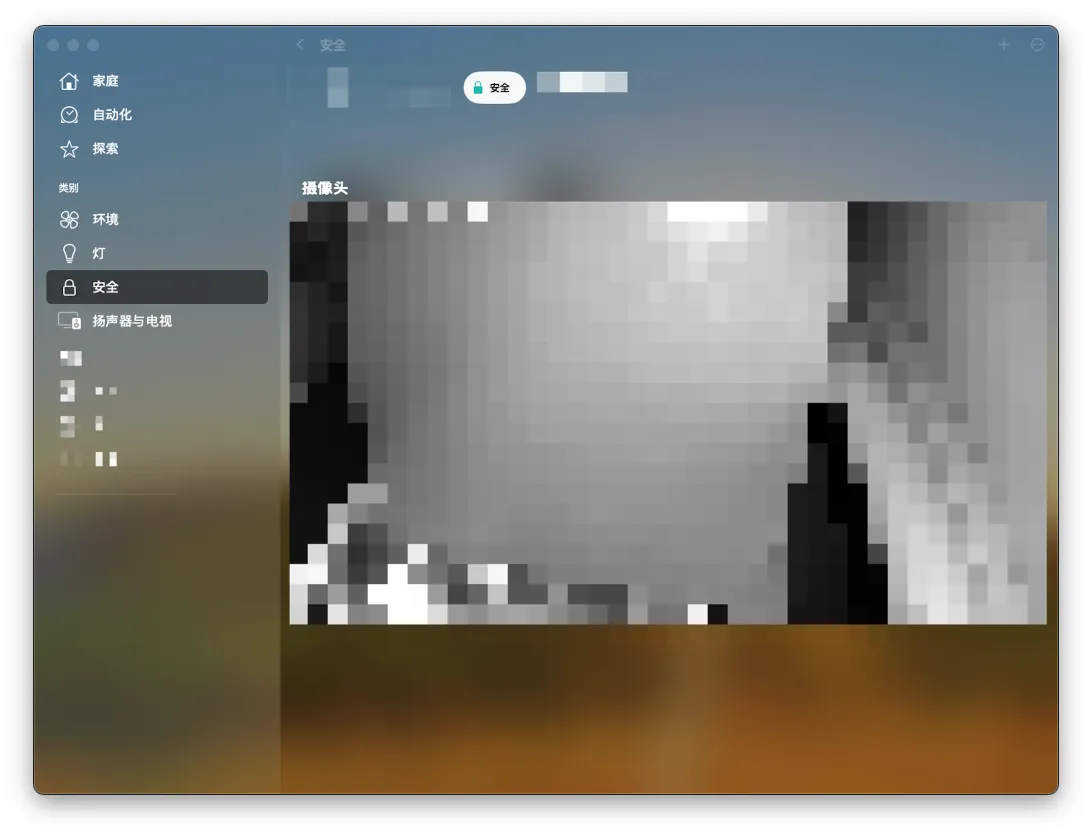
通过Docker部署Scrypted,实现将摄像头作为Homekit添加到AppleHome
通过Docker部署
1 | docker run -d --name scrypted --privileged -v /root/scrypted/volume:/server/volume koush/scrypted:latest |
初始化
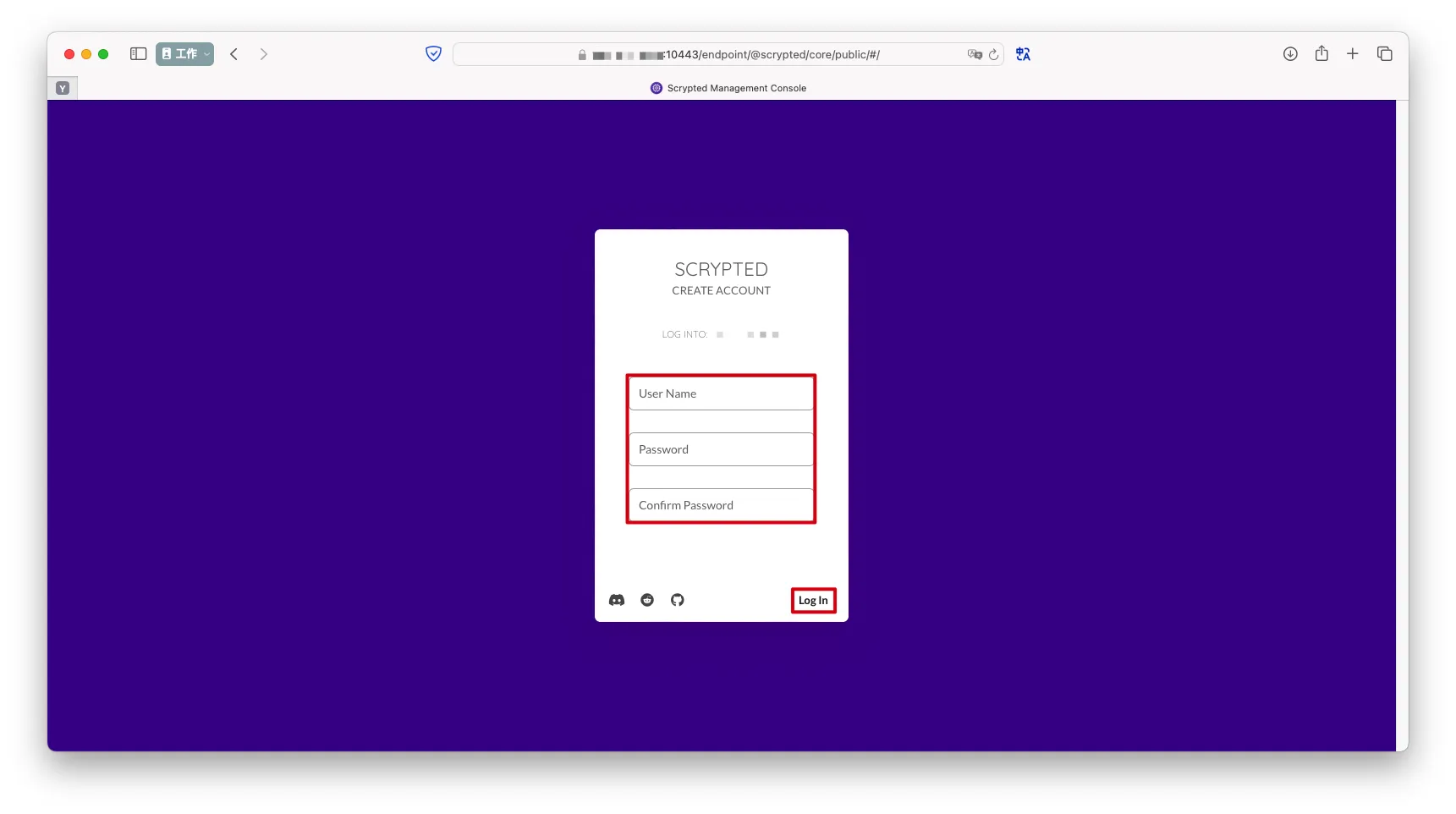
注册用户->
Log In
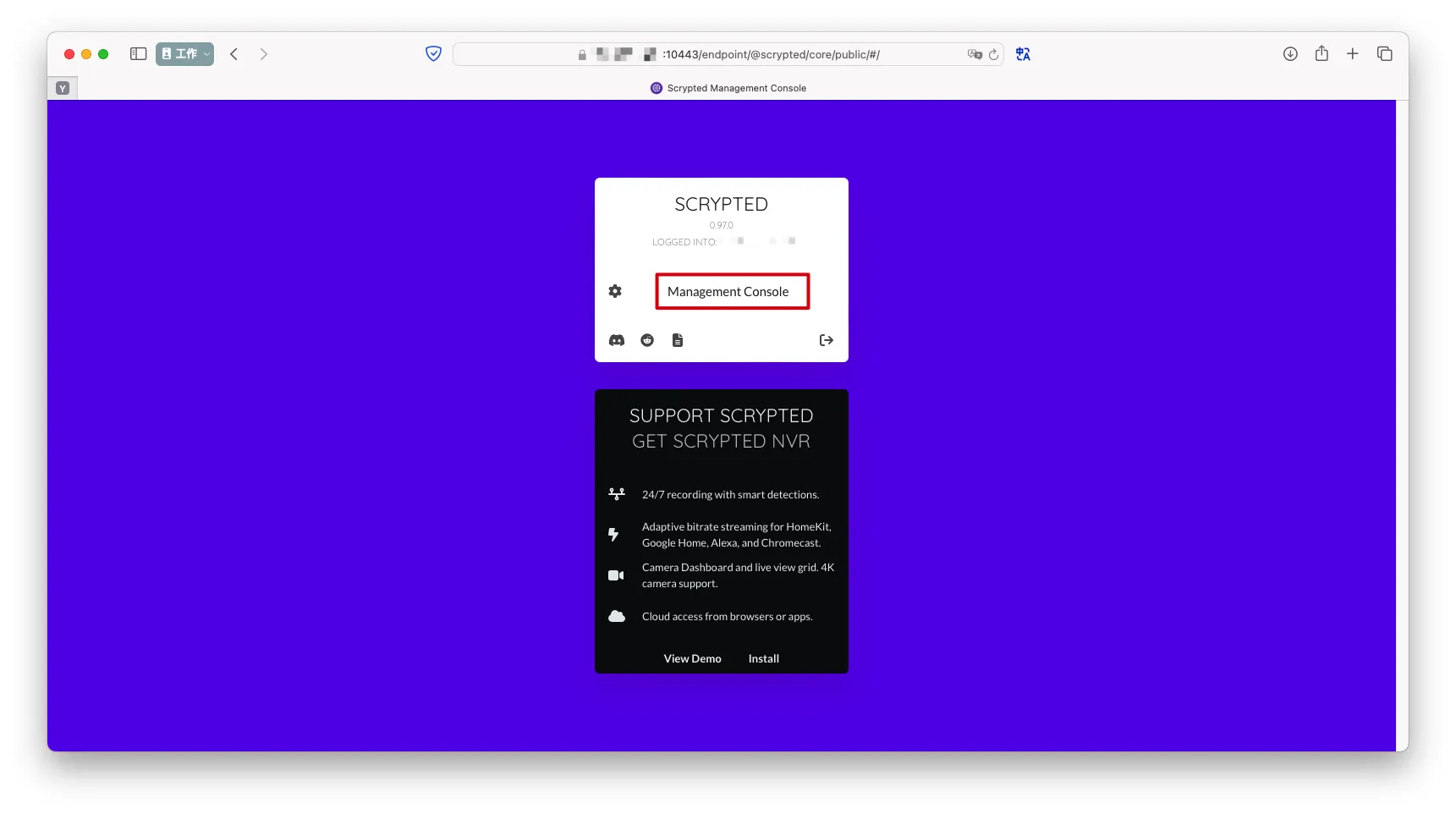
Management Console
Install
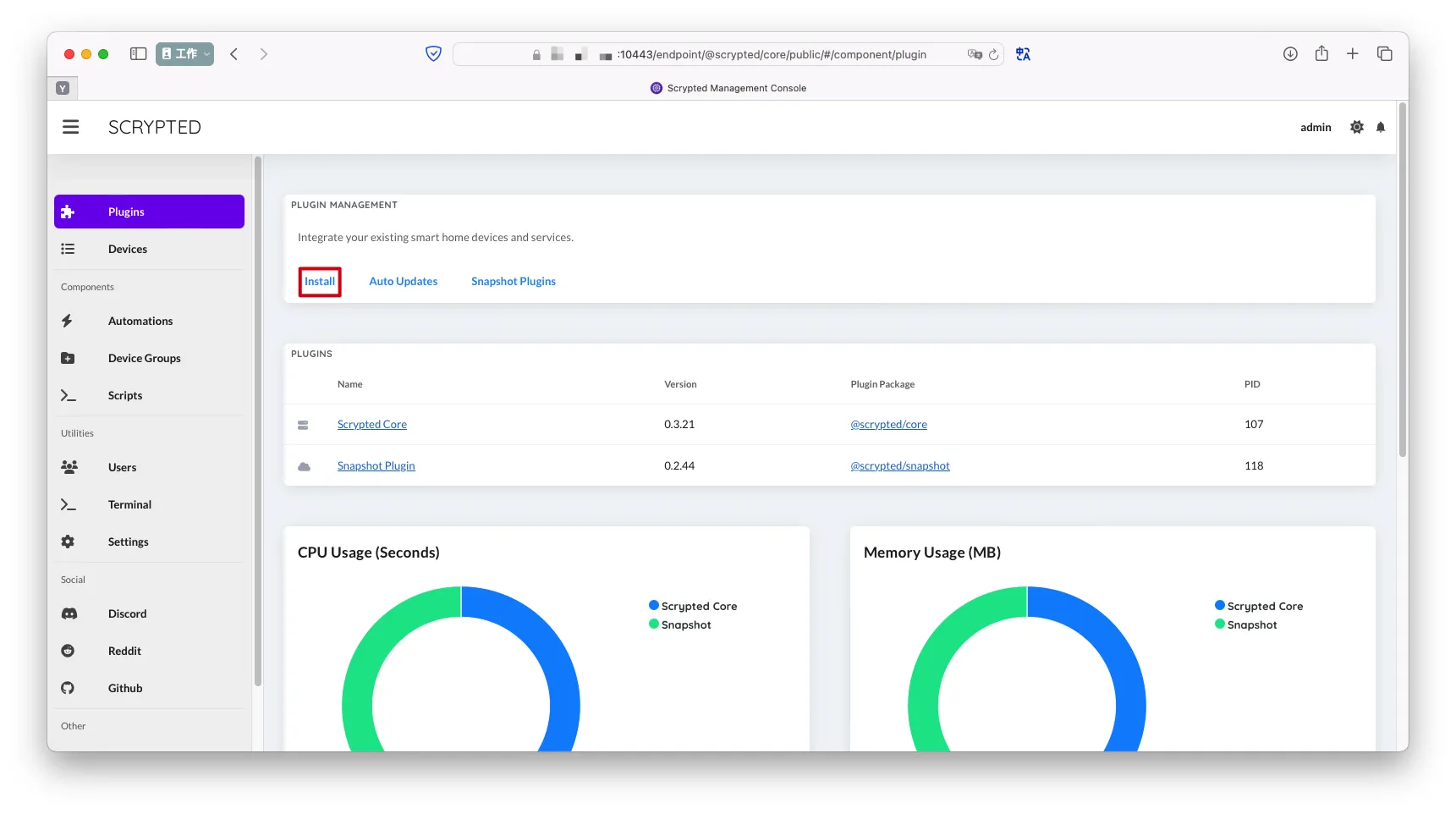
Plugins->搜索rtsp->Install
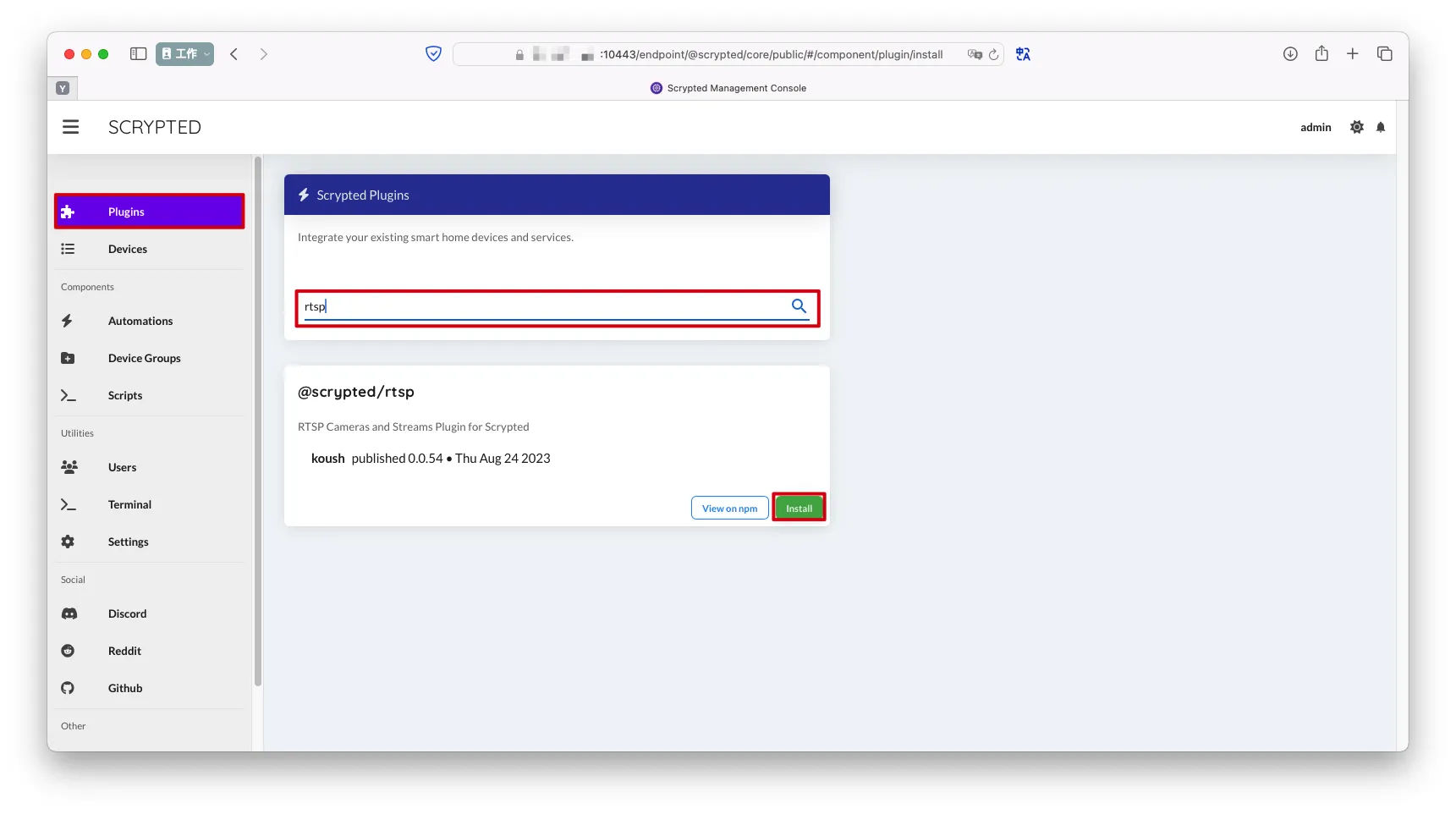
Plugins->搜索homekit->Install

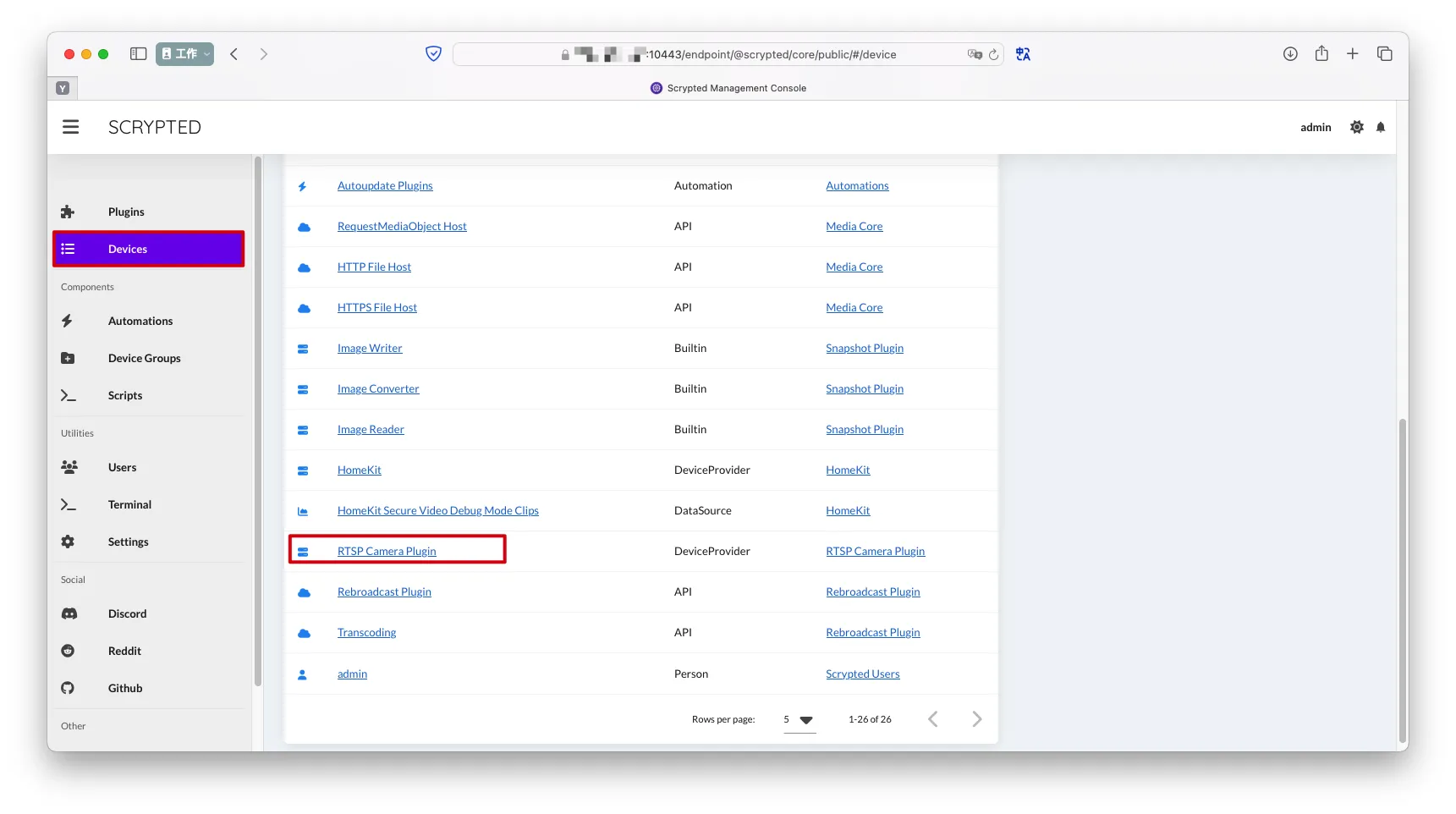
Device->RTSP Camera Plugin
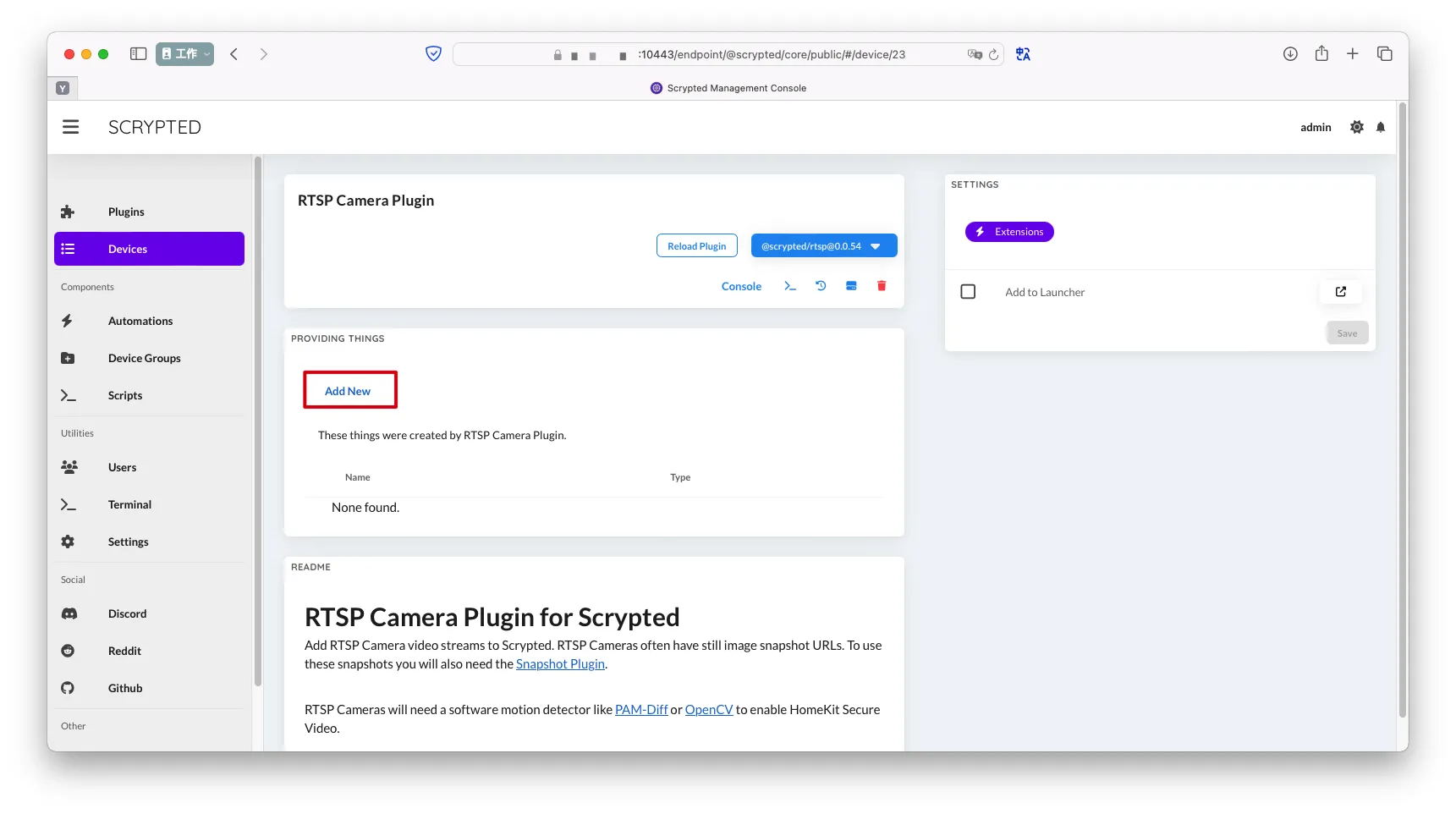
Add New
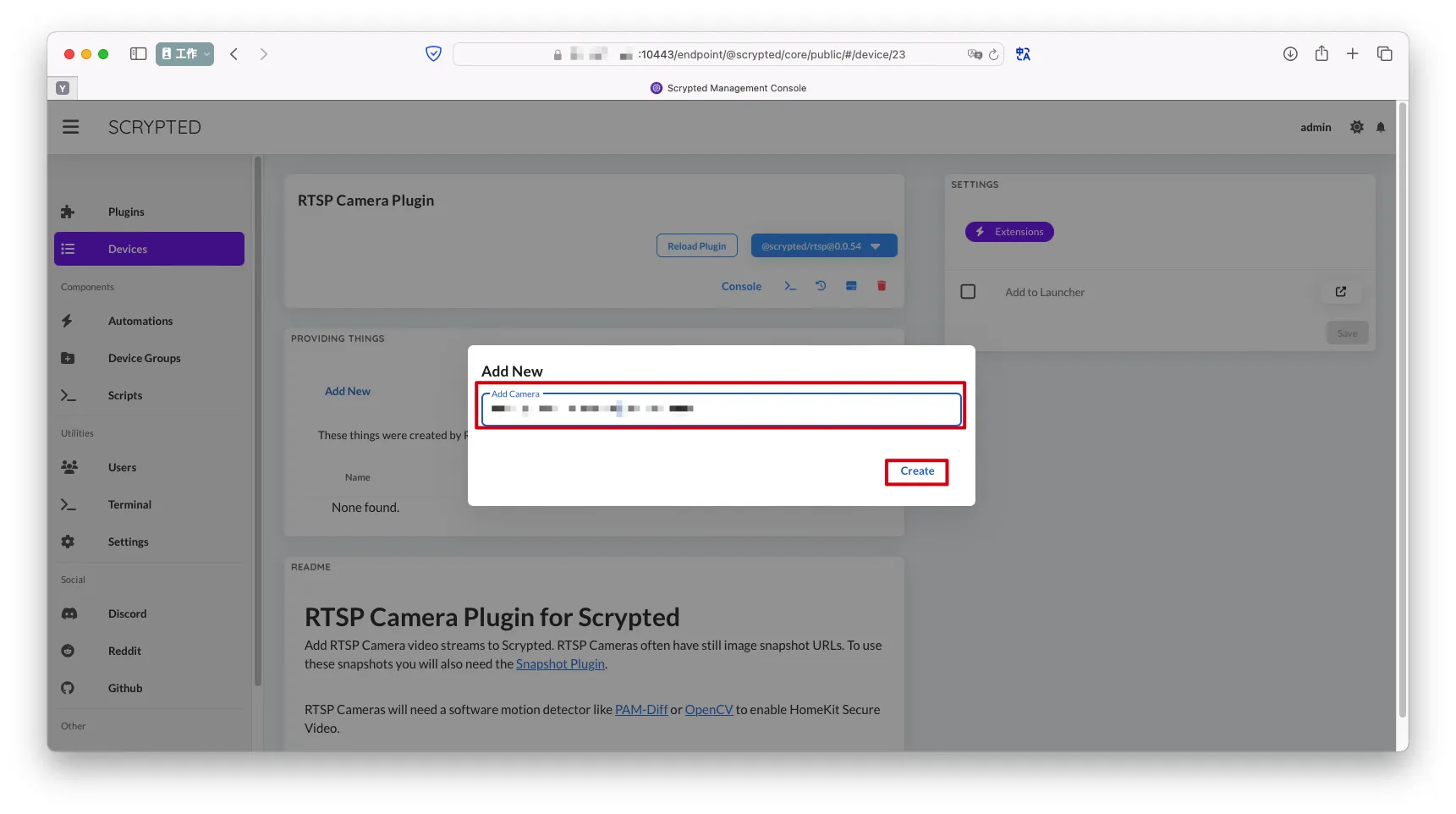
- 为这个RTSP摄像头配置指定一个名称->`Create
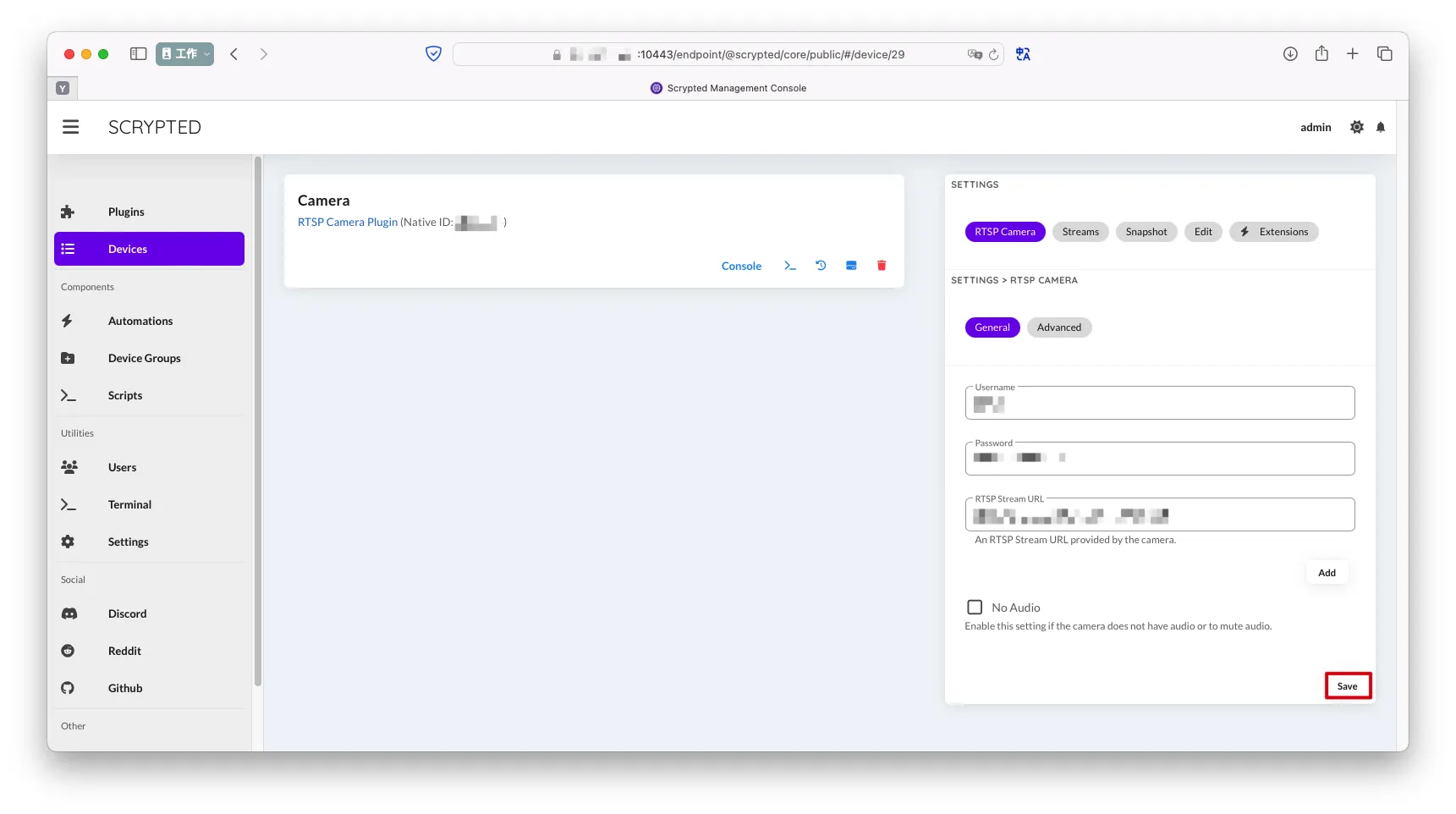
- 填写RTSP摄像机配置->
Save RTSP Stream URL

Save
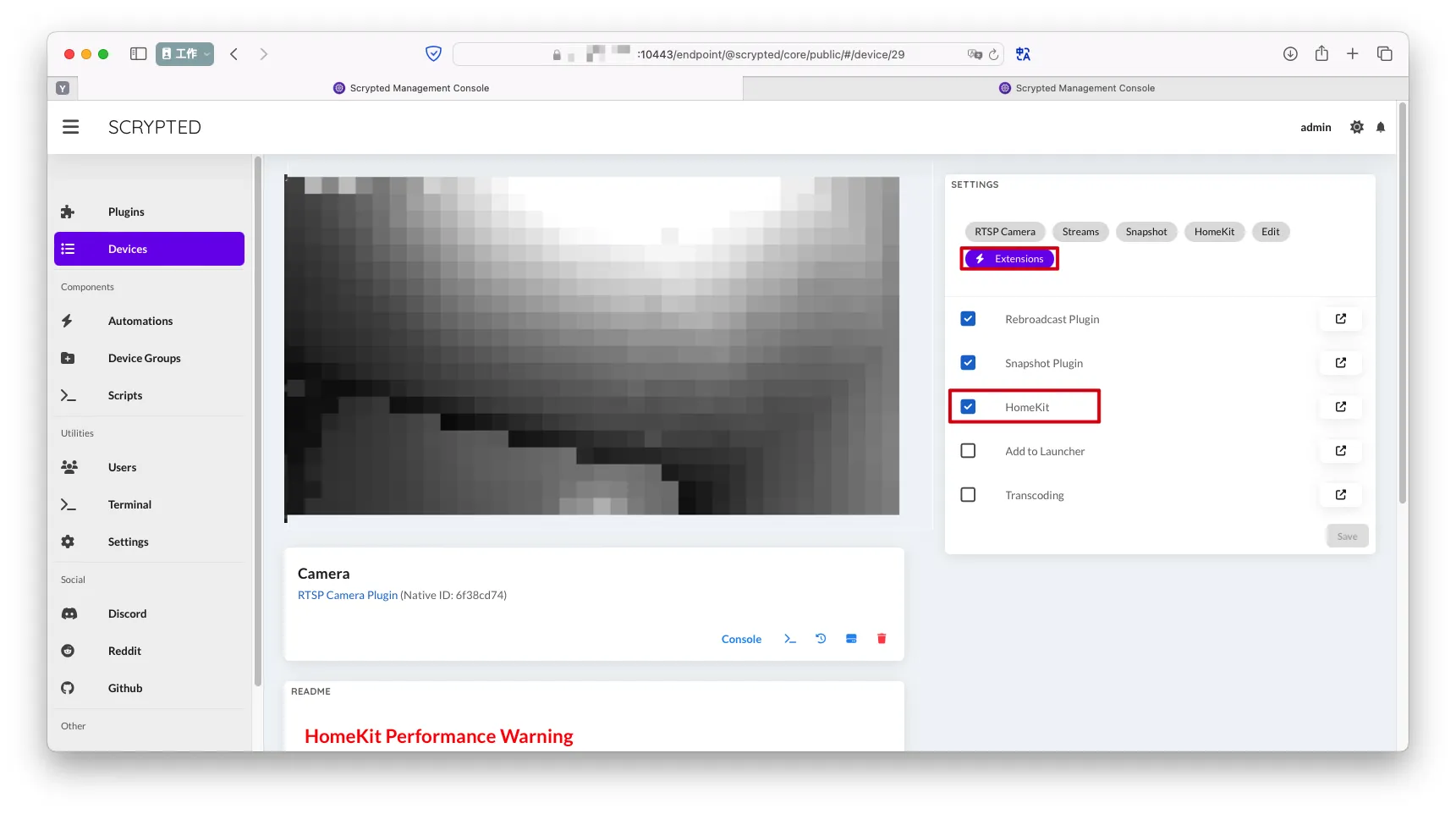
Extensions->勾选HomeKit
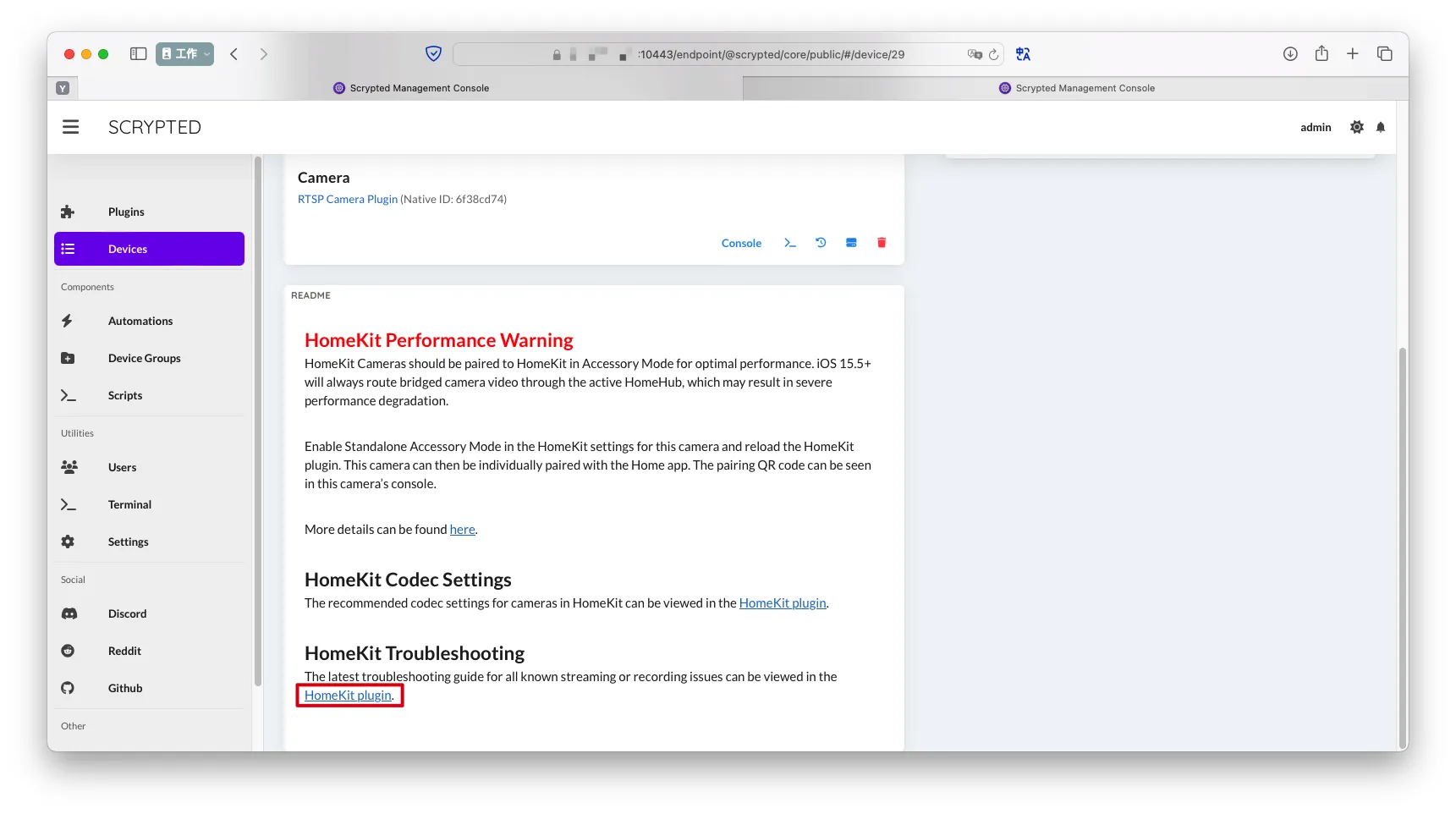
- 滑到底部,选择
HomeKit plugin,跳转到HomeKit配置页面
- 扫描右侧二维码或填写数字绑定AppleHome

完成