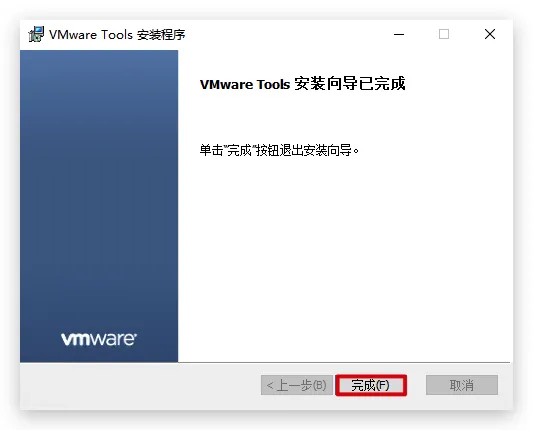
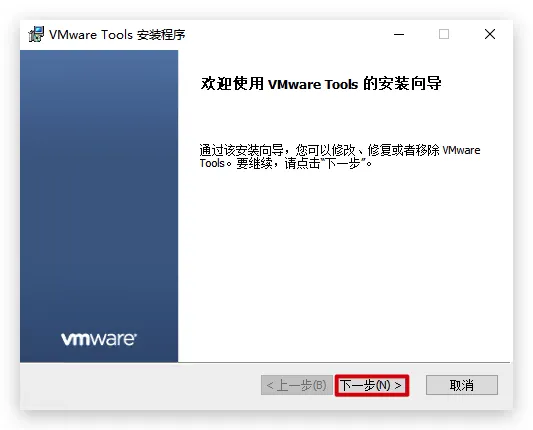
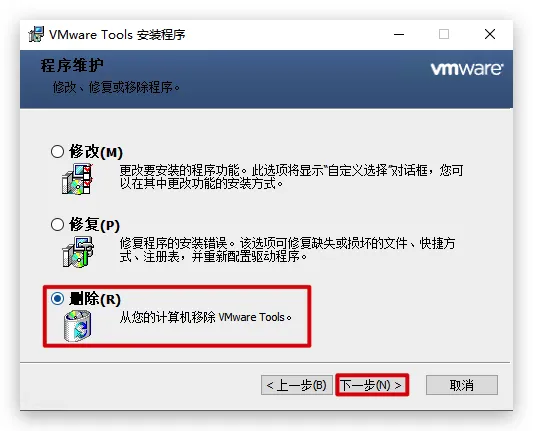
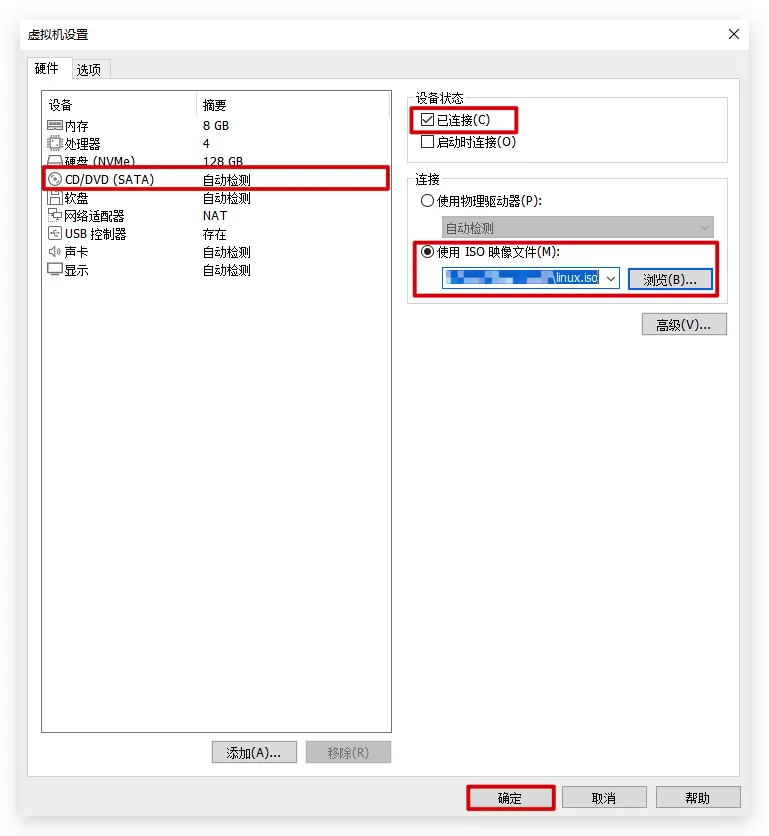
mkdir /root/vmware-tools cp /mnt/cdrom/VMwareTools-*.tar.gz /root/vmware-tools cd /root/vmware-tools tar -xzf VMwareTools-*.tar.gz cd vmware-tools-distrib ./vmware-install.pl reboot
open-vm-tools packages are available from the OS vendor and VMware recommends using open-vm-tools packages. See http://kb.vmware.com/kb/2073803 for more information. Do you still want to proceed with this installation? [no] yes
INPUT: [yes]
Creating a new VMware Tools installer database using the tar4 format.
Installing VMware Tools.
In which directory do you want to install the binary files? [/usr/bin]
INPUT: [/usr/bin] default
What is the directory that contains the init directories (rc0.d/ to rc6.d/)? [/etc]
INPUT: [/etc] default
What is the directory that contains the init scripts? [/etc/init.d]
INPUT: [/etc/init.d] default
In which directory do you want to install the daemon files? [/usr/sbin]
INPUT: [/usr/sbin] default
In which directory do you want to install the library files? [/usr/lib/vmware-tools]
INPUT: [/usr/lib/vmware-tools] default
The path "/usr/lib/vmware-tools" does not exist currently. This program is going to create it, including needed parent directories. Is this what you want? [yes]
INPUT: [yes] default
In which directory do you want to install the documentation files? [/usr/share/doc/vmware-tools]
INPUT: [/usr/share/doc/vmware-tools] default
The path "/usr/share/doc/vmware-tools" does not exist currently. This program is going to create it, including needed parent directories. Is this what you want? [yes]
INPUT: [yes] default
The installation of VMware Tools 10.3.26 build-22085142 for Linux completed successfully. You can decide to remove this software from your system at any time by invoking the following command: "/usr/bin/vmware-uninstall-tools.pl".
Before running VMware Tools for the first time, you need to configure it by invoking the following command: "/usr/bin/vmware-config-tools.pl". Do you want this program to invoke the command for you now? [yes]
INPUT: [yes] default
Initializing...
Segmentation fault (core dumped)
Making sure services for VMware Tools are stopped.
Stopping VMware Tools services in the virtual machine: Guest operating system daemon: done VMware User Agent (vmware-user): done Unmounting HGFS shares: done Guest filesystem driver: done
The installation status of vmsync could not be determined. Skippinginstallation.
The installation status of vmci could not be determined. Skippinginstallation.
The installation status of vsock could not be determined. Skippinginstallation.
The installation status of vmxnet3 could not be determined. Skippinginstallation.
The installation status of pvscsi could not be determined. Skippinginstallation.
The installation status of vmmemctl could not be determined. Skippinginstallation.
The VMware Host-Guest Filesystem allows for shared folders between the host OS and the guest OS in a Fusion or Workstation virtual environment. Do you wish to enable this feature? [yes]
INPUT: [yes] default
The vmxnet driver is no longer supported on kernels 3.3 and greater. Please upgrade to a newer virtual NIC. (e.g., vmxnet3 or e1000e)
The vmblock enables dragging or copying files between host and guest in a Fusion or Workstation virtual environment. Do you wish to enable this feature? [yes]
INPUT: [yes] default
Skipping configuring automatic kernel modules as no drivers were installed by this installer.
Disabling timer-based audio scheduling in pulseaudio.
Do you want to enable Guest Authentication (vgauth)? [yes]
INPUT: [yes] default
Detected X server version 1.20.13
Distribution provided drivers for Xorg X server are used.
Skipping X configuration because X drivers are not included.
Skipping rebuilding initrd boot image for kernel as no drivers to be included in boot image were installed by this installer.
The configuration of VMware Tools 10.3.26 build-22085142 for Linux for this running kernel completed successfully.
You must restart your X session before any mouse or graphics changes take effect.
To enable advanced X features (e.g., guest resolution fit, drag and drop, and file and text copy/paste), you will need to do one (or more) of the following: 1. Manually start /usr/bin/vmware-user 2. Log out and log back into your desktop session 3. Restart your X session.
Enjoy,
--the VMware team
清理(可选)
1 2 3 4
cd
umount /mnt/cdrom
rmdir /mnt/cdrom
rm -rf /root/vmware-tools