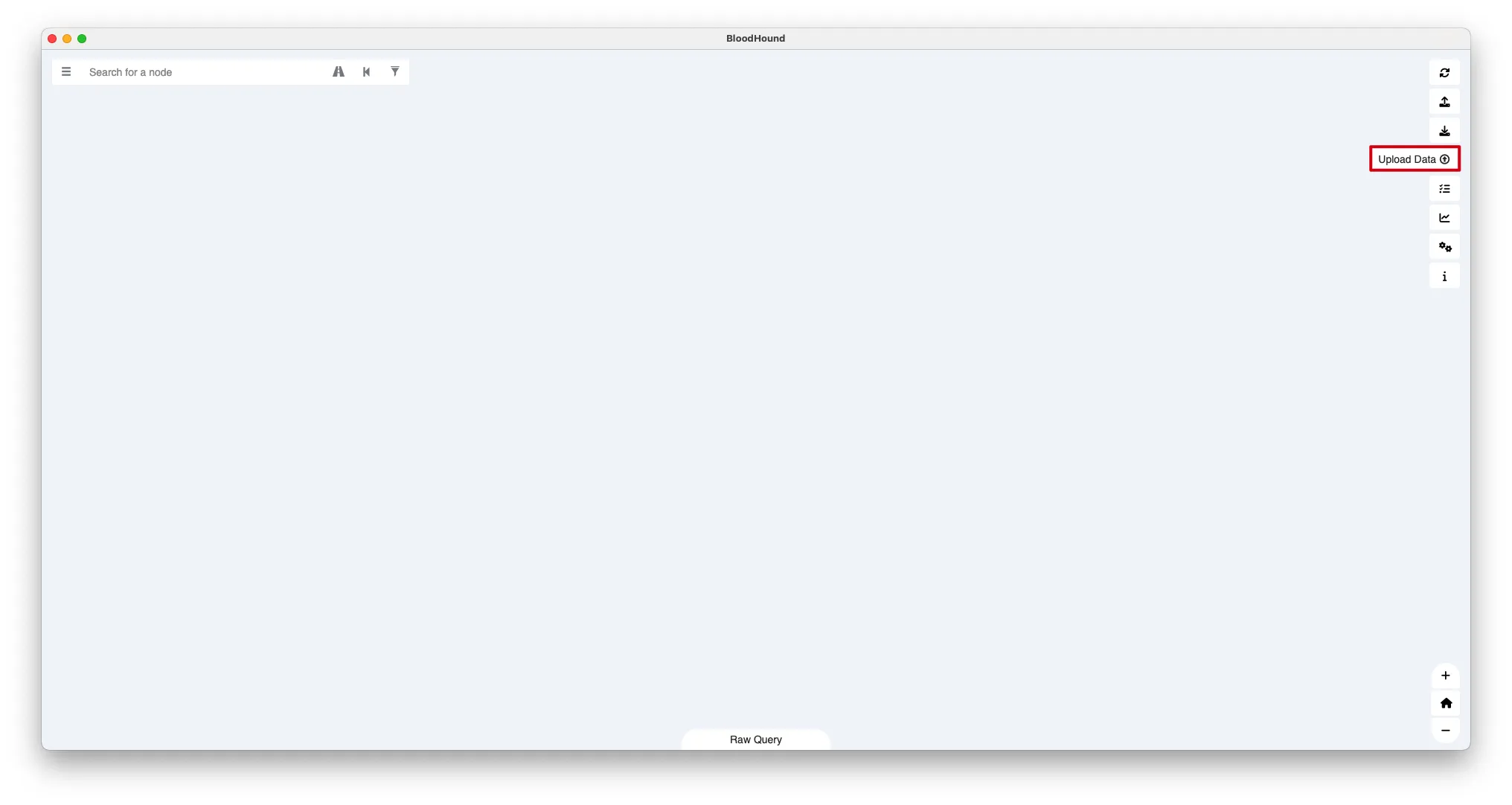
BloodHound uses graph theory to reveal hidden and often unintended relationships within Active Directory, Entra ID (formerly Azure AD), and Microsoft Azure IaaS. Defenders (blue teams) and attackers (red teams) use BloodHound for a deeper understanding of privileged relationships in an environment.(官网)
客户端通过收集器进行信息收集
SharpHound Community Edition (CE) is the official data collector for BloodHound CE. It is written in C# and uses native Windows API functions and LDAP namespace functions to collect data from domain controllers and domain-joined Windows systems.(维基百科)
下载项目
1
2
3
wget https://github.com/BloodHoundAD/SharpHound/releases/download/v2.5.7/SharpHound-v2.5.7.zip
unzip SharpHound-v2.5.7.zip -d SharpHound-v2.5.7
cd SharpHound-v2.5.7