2. Configure Persistent Directory Do you need custom persistent store, will use the default directory /data/jumpserver? [y/N]: complete
3. Configure DB Do you want to use external PostgreSQL (version ≥ 16 required)? [y/N]: complete
4. Configure Redis Please enter Redis Engine [redis/sentinel] (default: redis): Do you want to use external Redis? [y/N]: complete
5. Configure External Access Do you need to customize the JumpServer external port? [y/N]: complete
7. Configure Others Please enter language [zh/en/ja/es/ko/ru/vi] (default: zh): Please enter timezone [default: Asia/Shanghai] : complete
6. Init JumpServer Database complete
>>> The Installation is Complete 1. You can use the following command to start, and then visit cd /root/jumpserver-ce-v4.10.16-x86_64 ./jmsctl.sh start
2. Other management commands ./jmsctl.sh stop ./jmsctl.sh restart ./jmsctl.sh backup ./jmsctl.sh upgrade For more commands, you can enter ./jmsctl.sh --help to understand
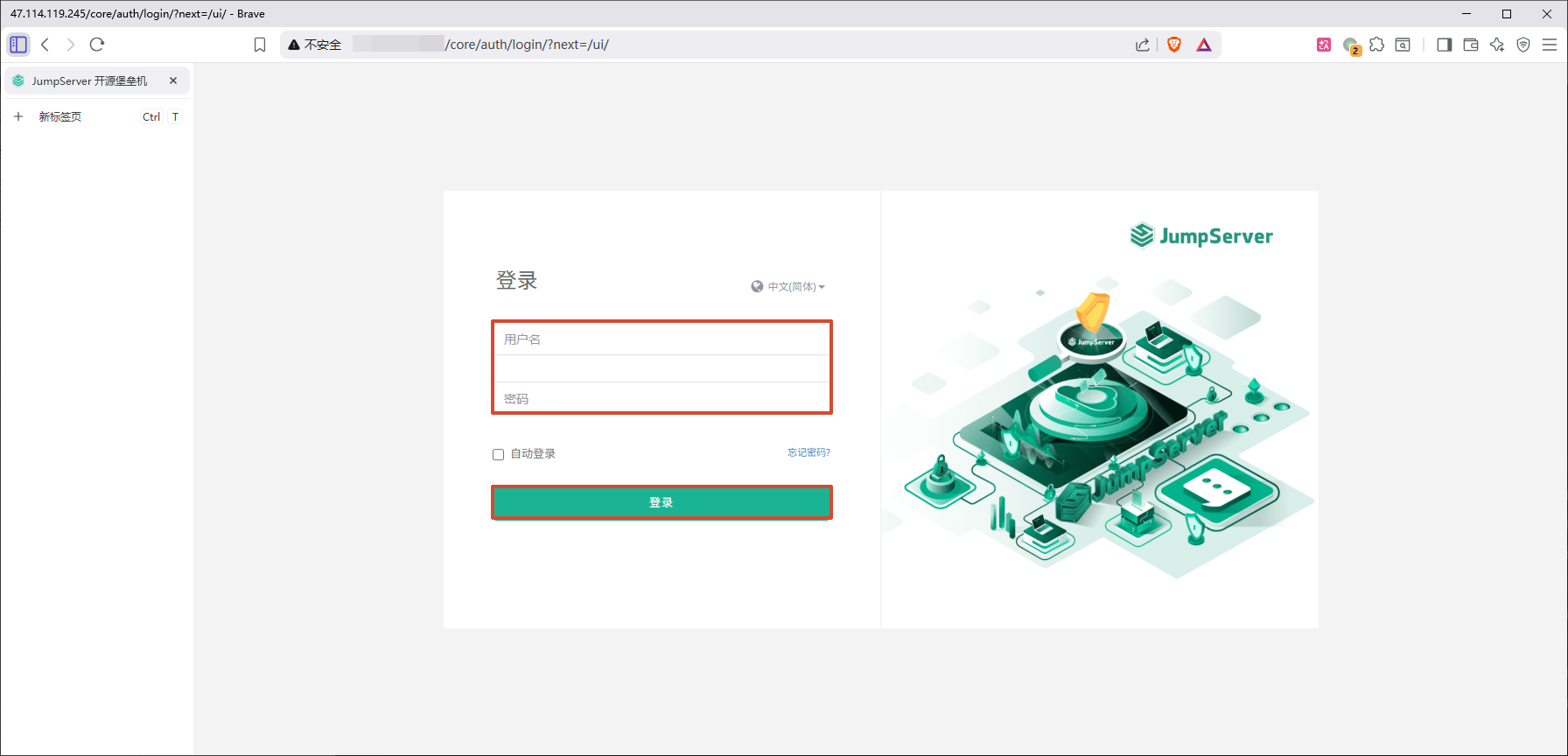
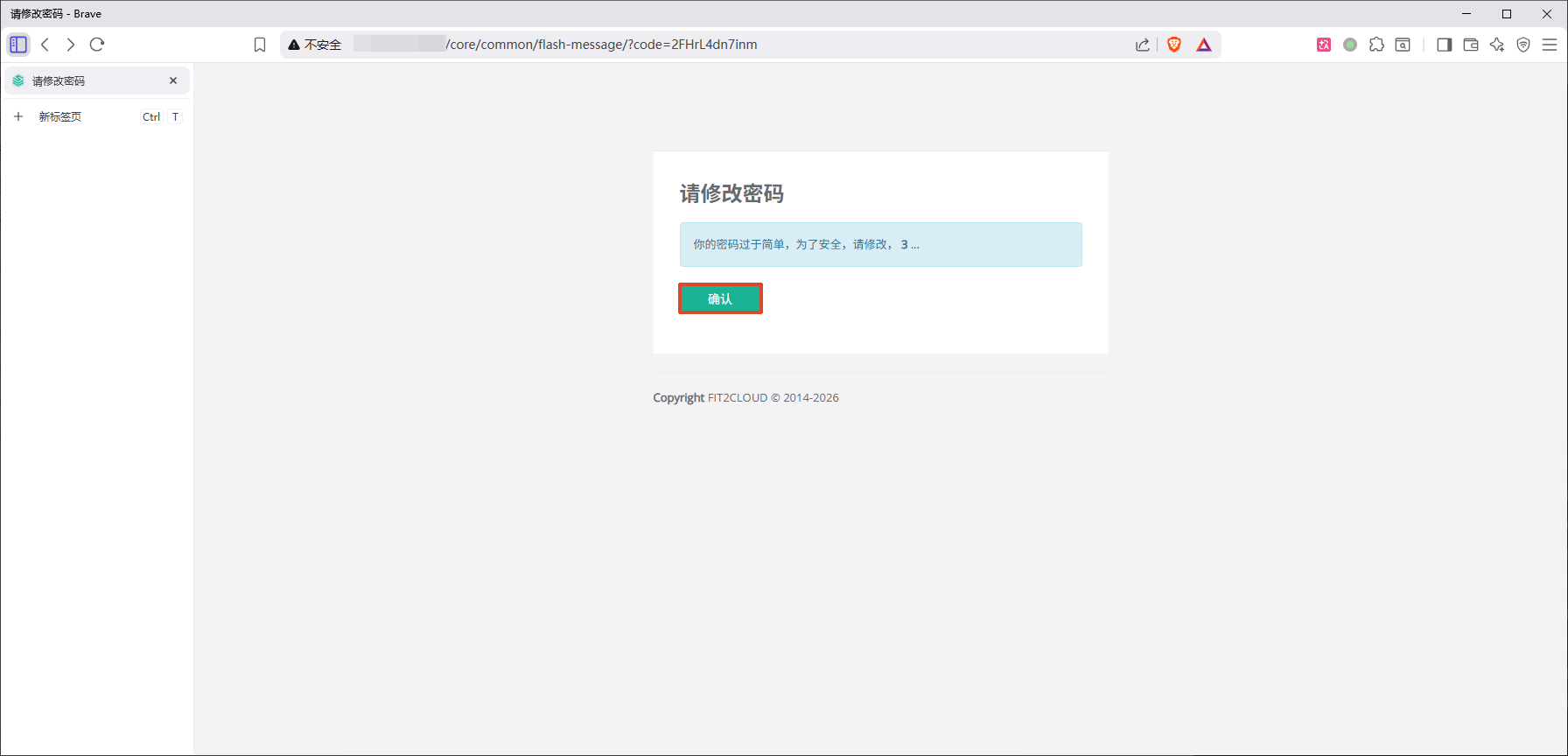
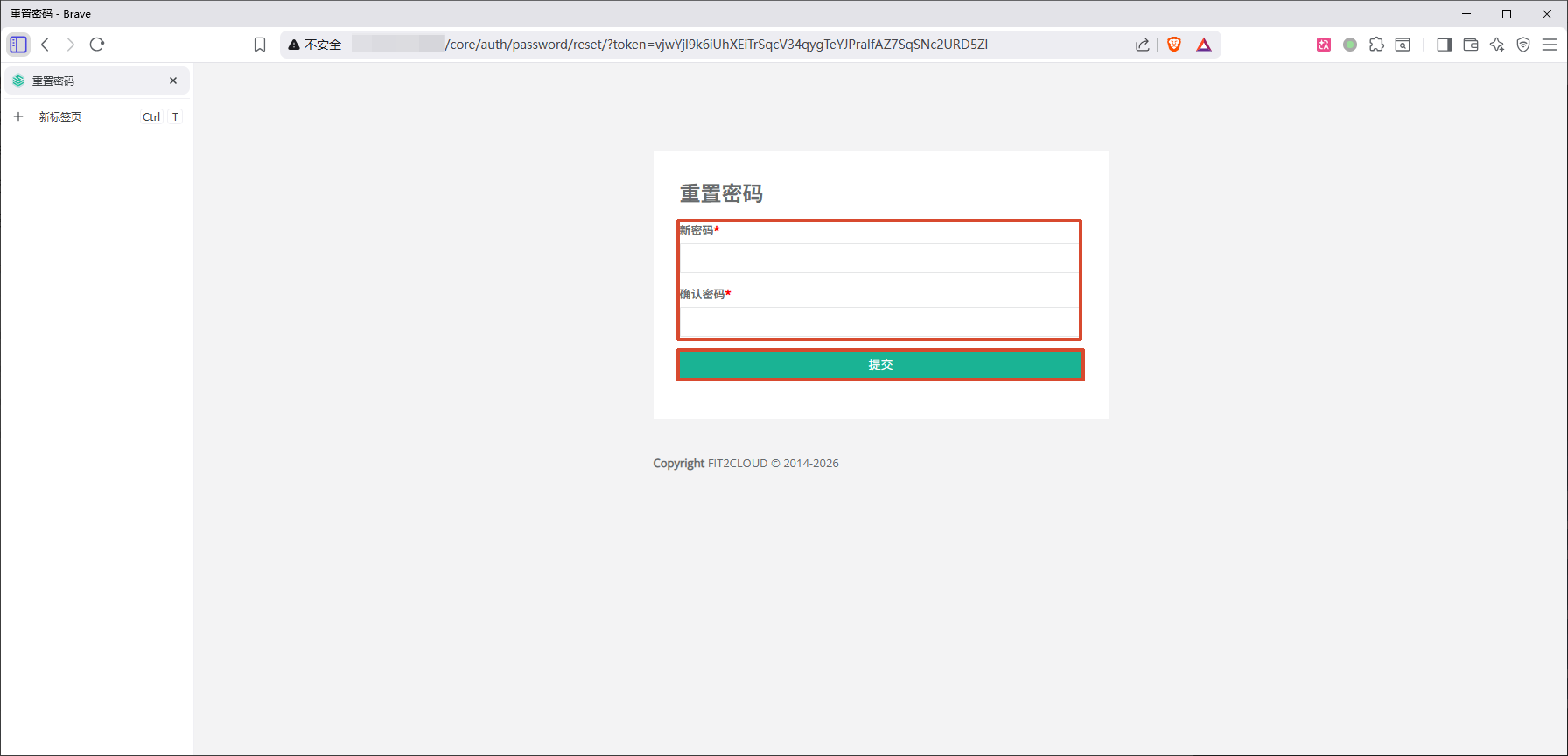
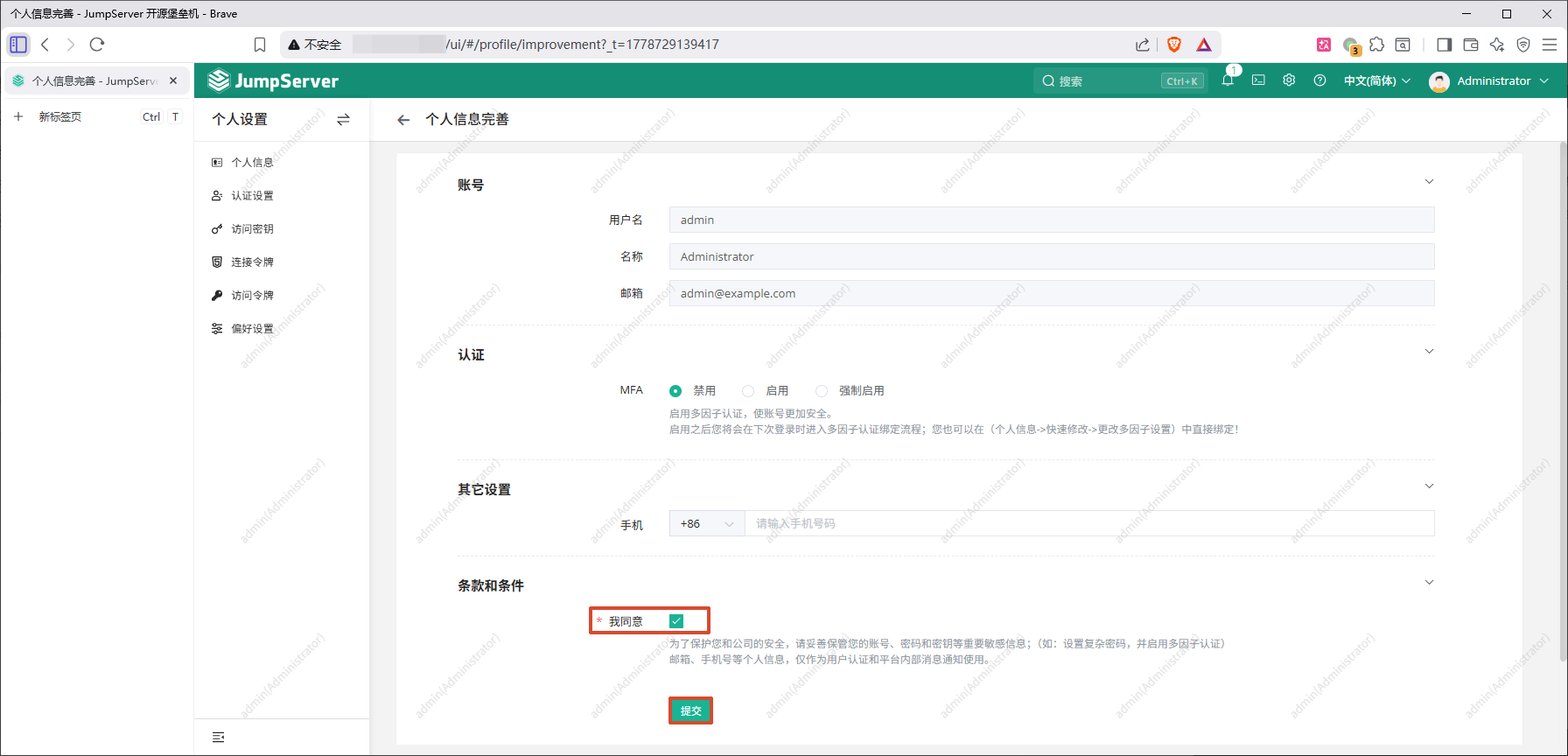
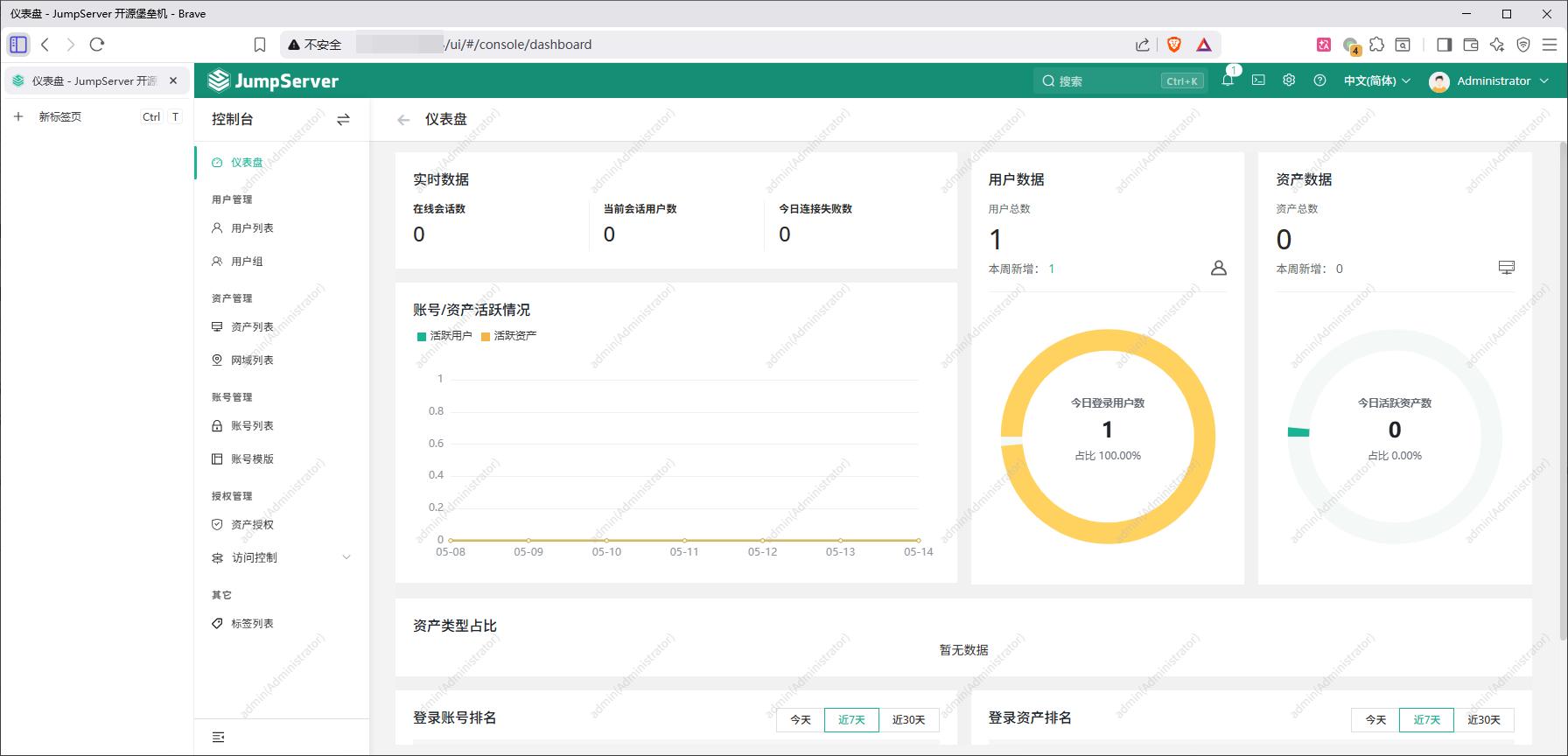
3. Web access http://127.0.0.1:80 Default username: admin Default password: ChangeMe
More information Official Website: https://www.jumpserver.com/ Documentation: https://www.jumpserver.com/docs