116770366703613687
前言
Trello通过API添加待办事项
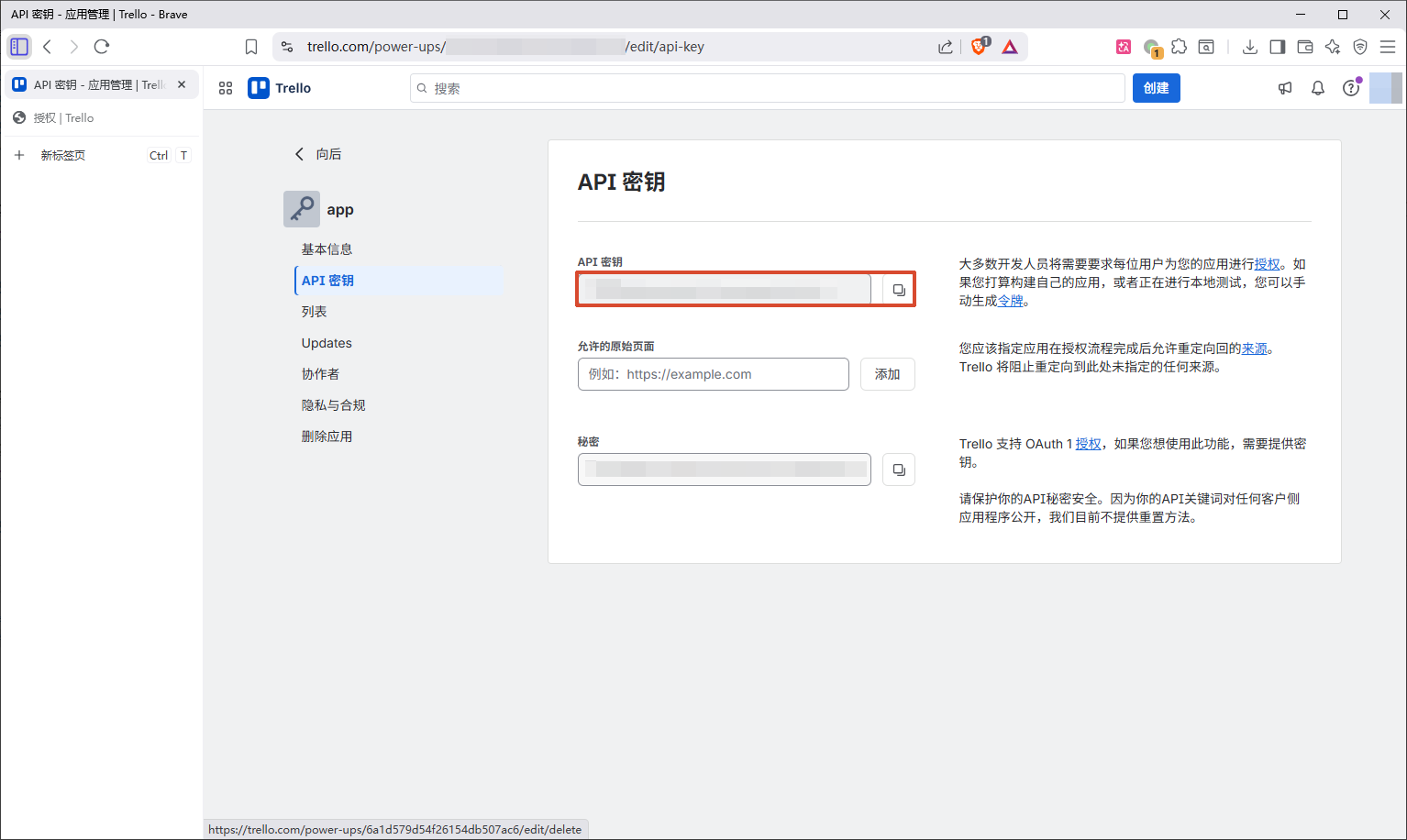
获取API密钥
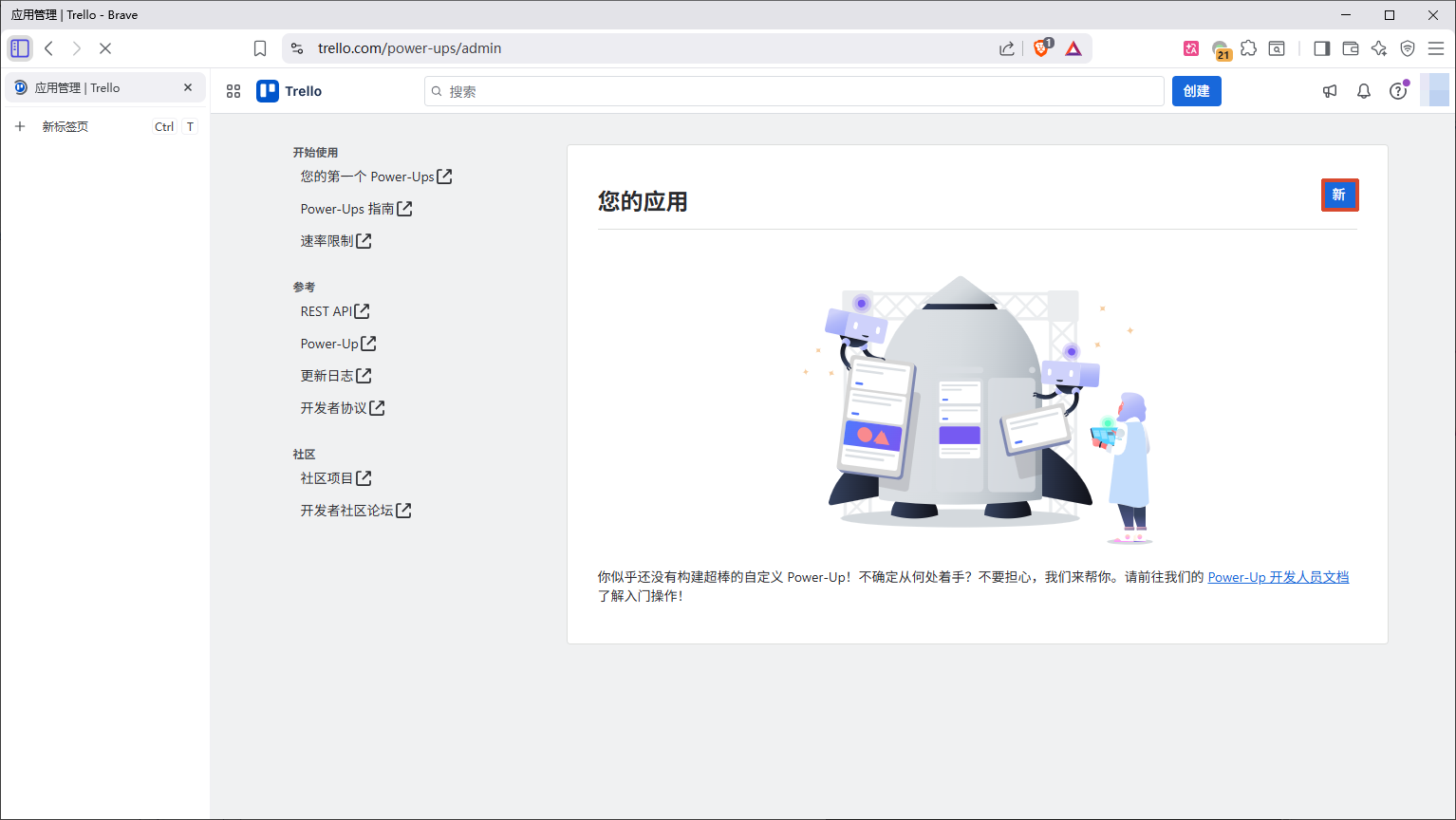
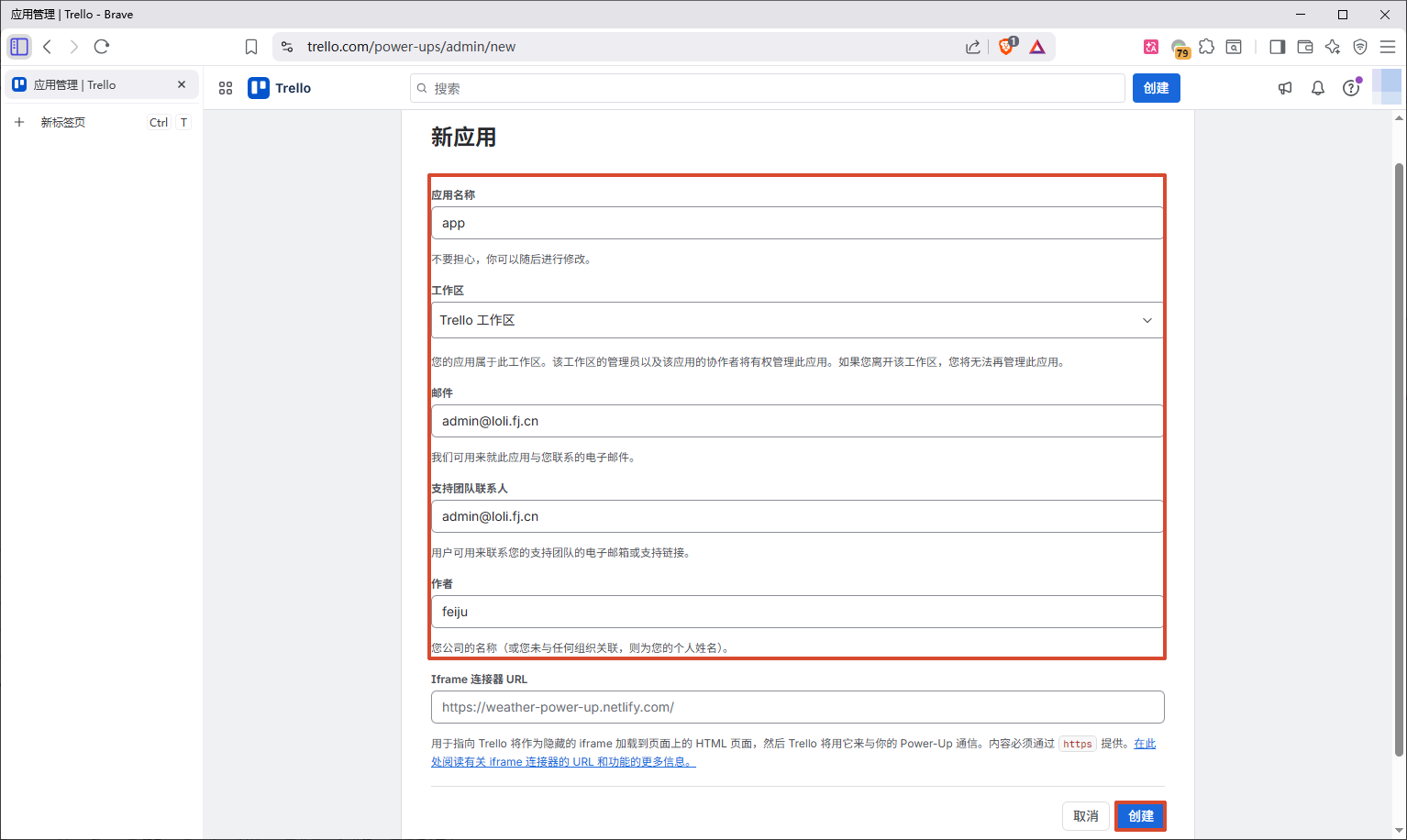
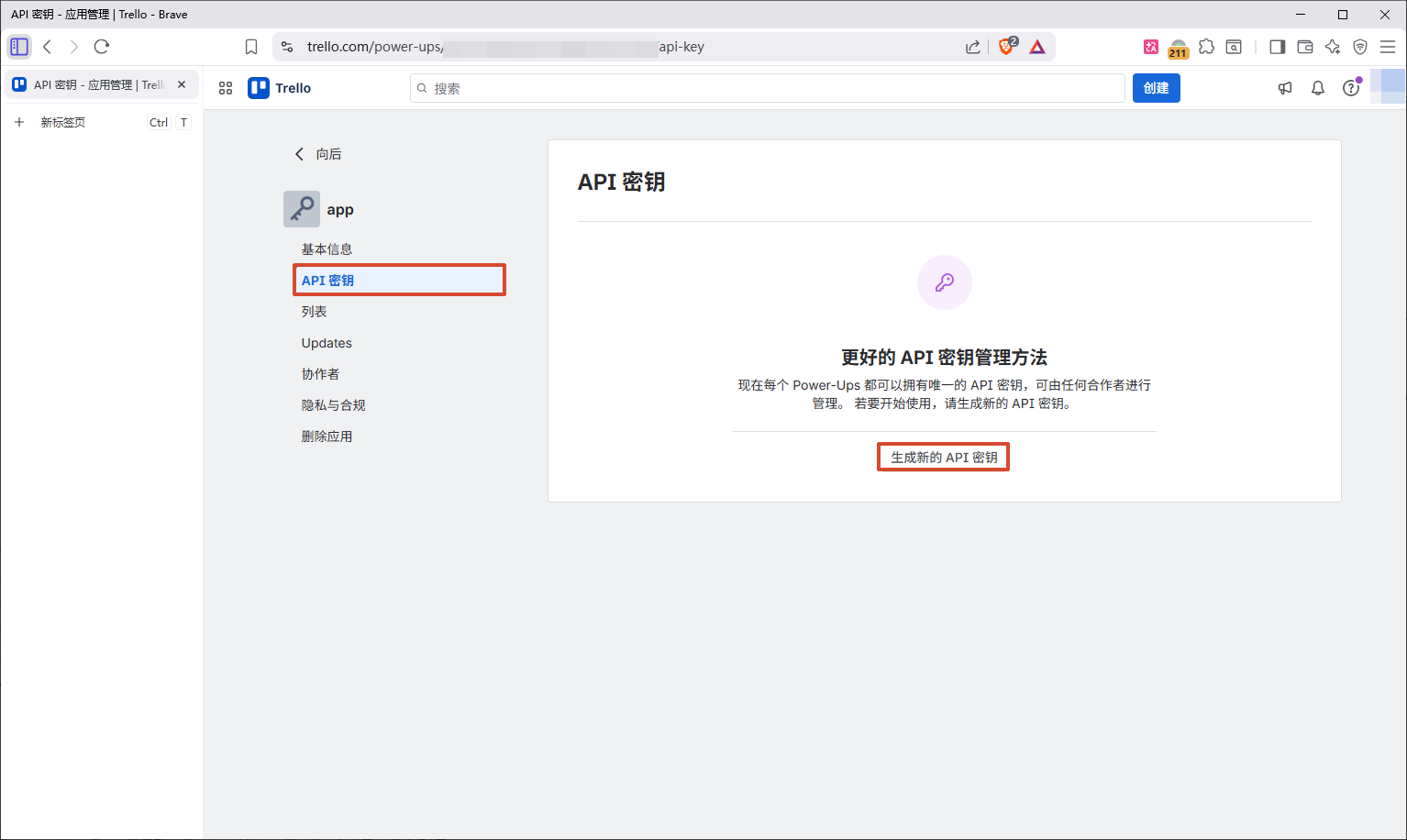
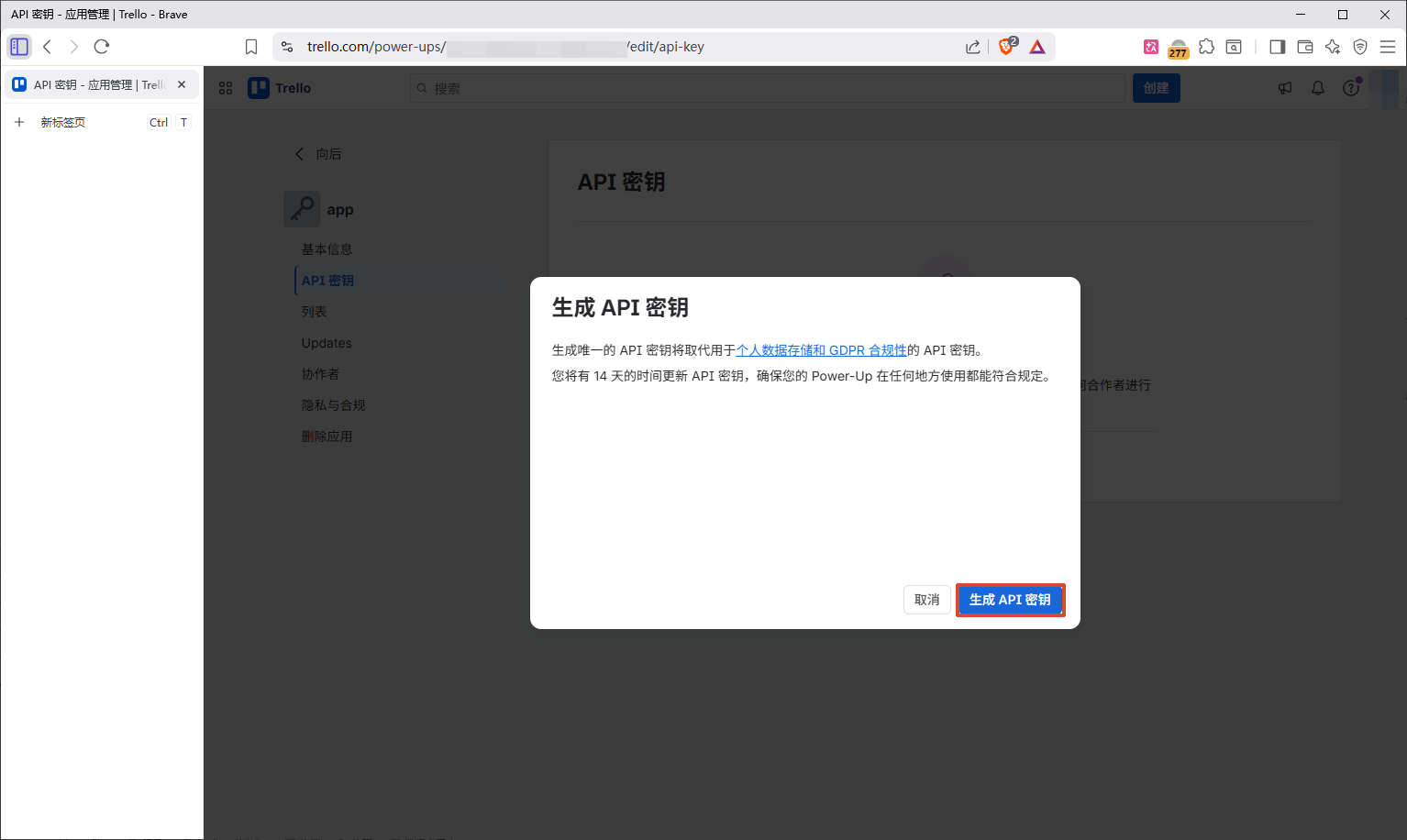
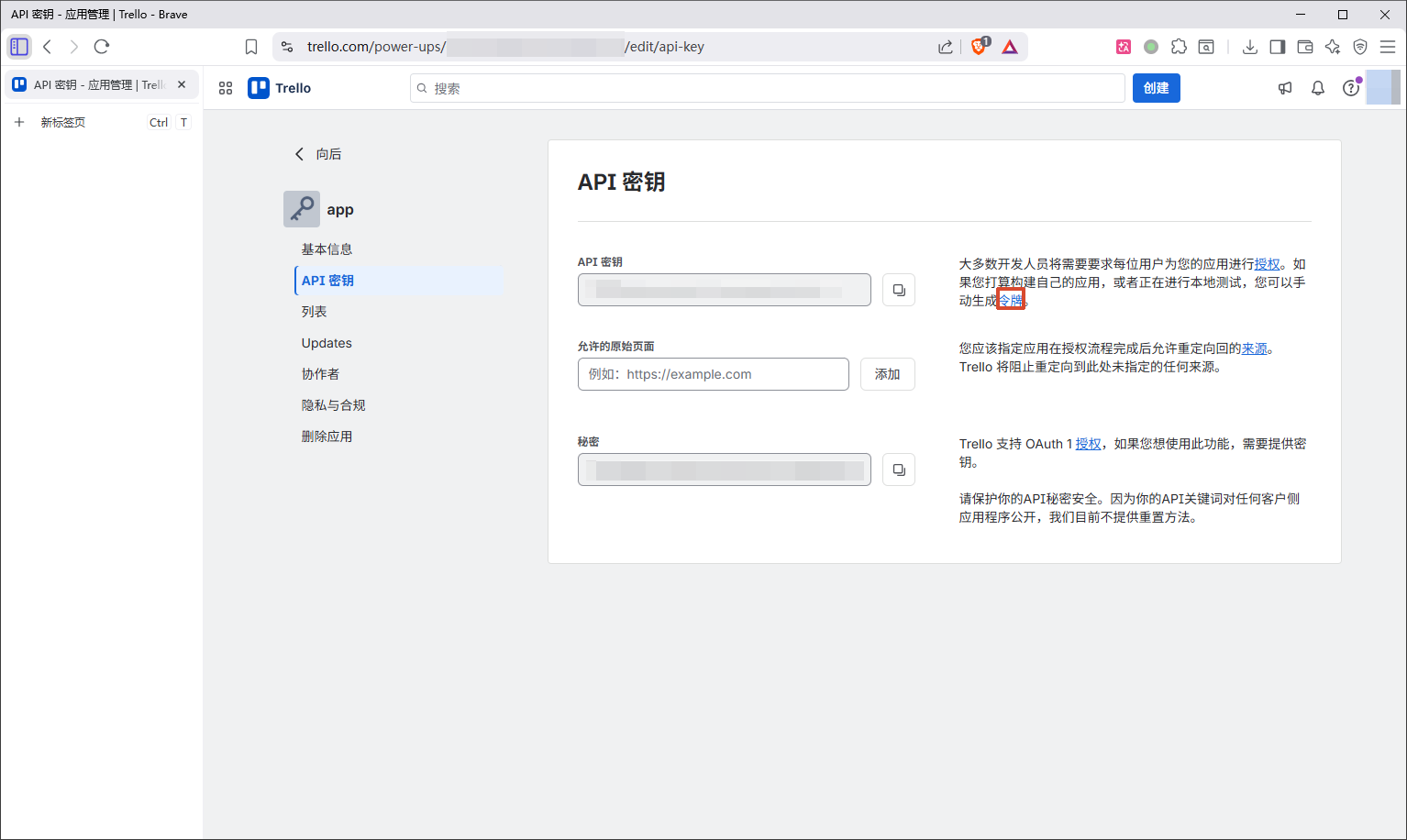
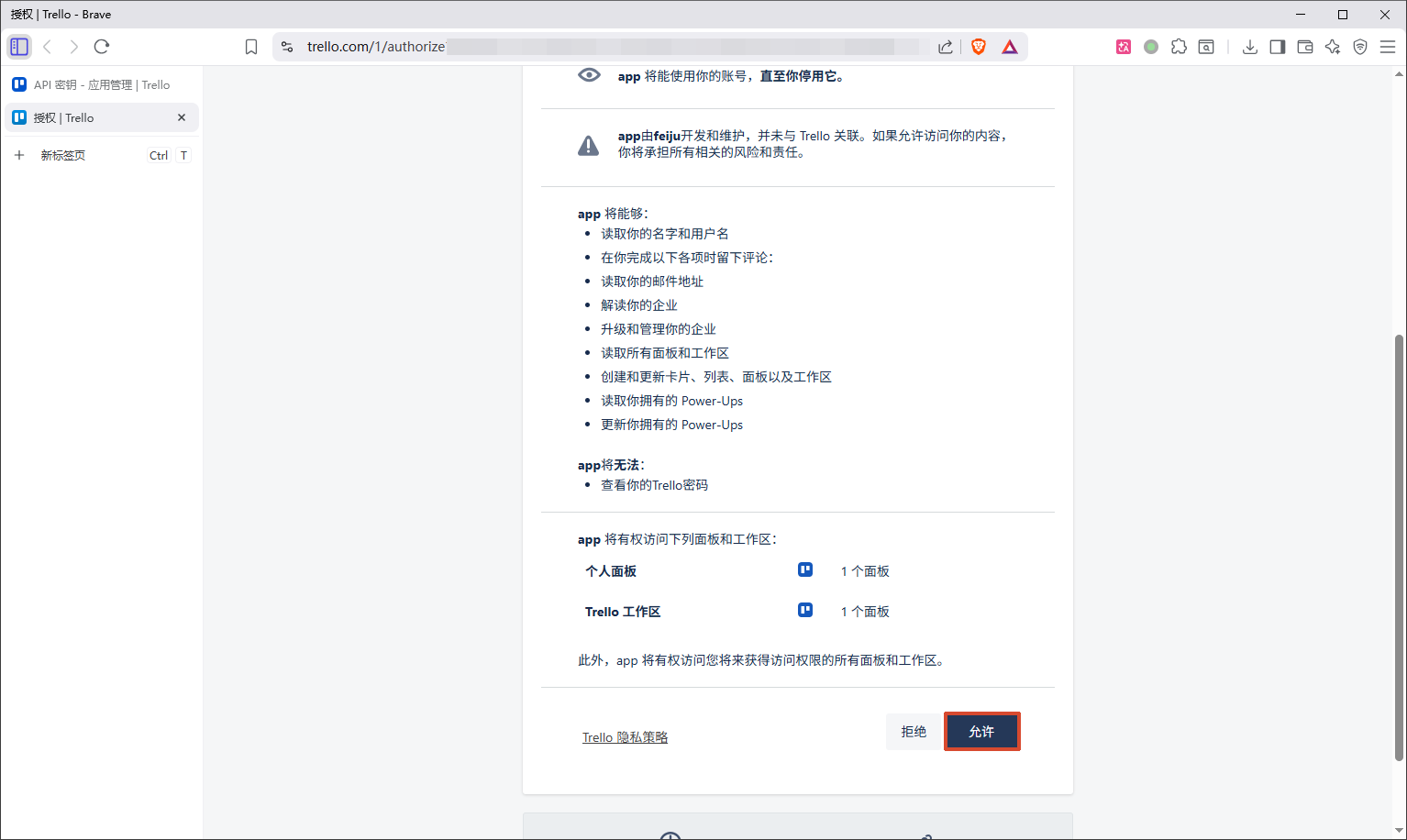
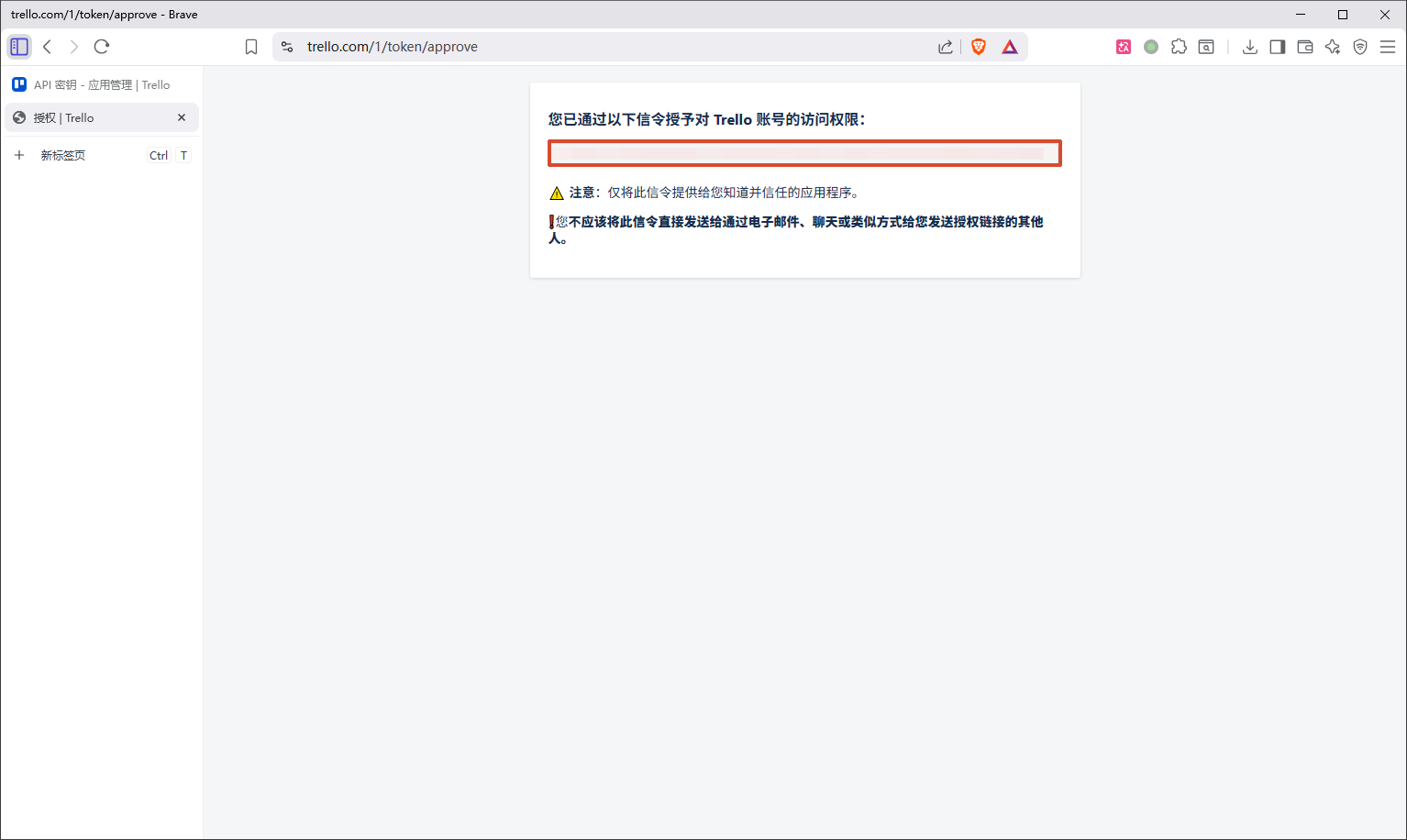
获取API令牌
API
<api_key>:API密钥
<api_token>:API令牌
获取所有面板
request1
2
3
4
| GET https://api.trello.com/1/members/me/boards
?key=<api_key>
&token=<api_token>
&fields=id,name,shortLink
|
1
2
3
4
5
6
7
| [
{
"id": "<short_id>",
"name": "我的 Trello 面板",
"shortLink": "<short_link>"
}
]
|
通过面板shortLink获取所有列表
request1
2
3
| GET https://api.trello.com/1/boards/<short_link>/lists
?key=<api_key>
&token=<api_token>
|
1
2
3
4
5
6
7
8
9
10
11
12
13
14
15
16
| [
{
"id": "<list_id>",
"name": "待办",
"closed": false,
"color": null,
"idBoard": "<board_id>",
"pos": 0,
"subscribed": false,
"softLimit": null,
"type": null,
"datasource": {
"filter": false
}
}
]
|
通过面板shortLink创建列表
request1
2
3
4
| POST https://api.trello.com/1/boards/<short_link>/lists
?key=<api_key>
&token=<api_token>
&name=列表名称
|
1
2
3
4
5
6
7
8
9
10
11
12
13
14
15
| {
"limits": {},
"id": "<list_id>",
"name": "待办",
"closed": false,
"color": null,
"idBoard": "<board_id>",
"pos": 0,
"subscribed": false,
"softLimit": null,
"type": null,
"datasource": {
"filter": false
}
}
|
通过列表id创建卡片
pos:定义卡片插入位置
bottom:缺省值,底部
top:顶部
request1
2
3
4
5
6
7
| POST https://api.trello.com/1/cards
?key=<api_key>
&token=<api_token>
&idList=<list_id>
&name=卡片名称
&desc=卡片描述
&pos=bottom
|
完成
参考文献
CSDN——安果移不动
Atlassian官方文档